00 / 12Updated April 2026 · 22 tools surveyed · User-validated

What Is The Best AI Face Swap Tool To Use?

A no-affiliate, research-driven answer — built from 22 hands-on tool tests, 35+ vendor checks, and thousands of unfiltered user reactions from people shipping with these tools every day.

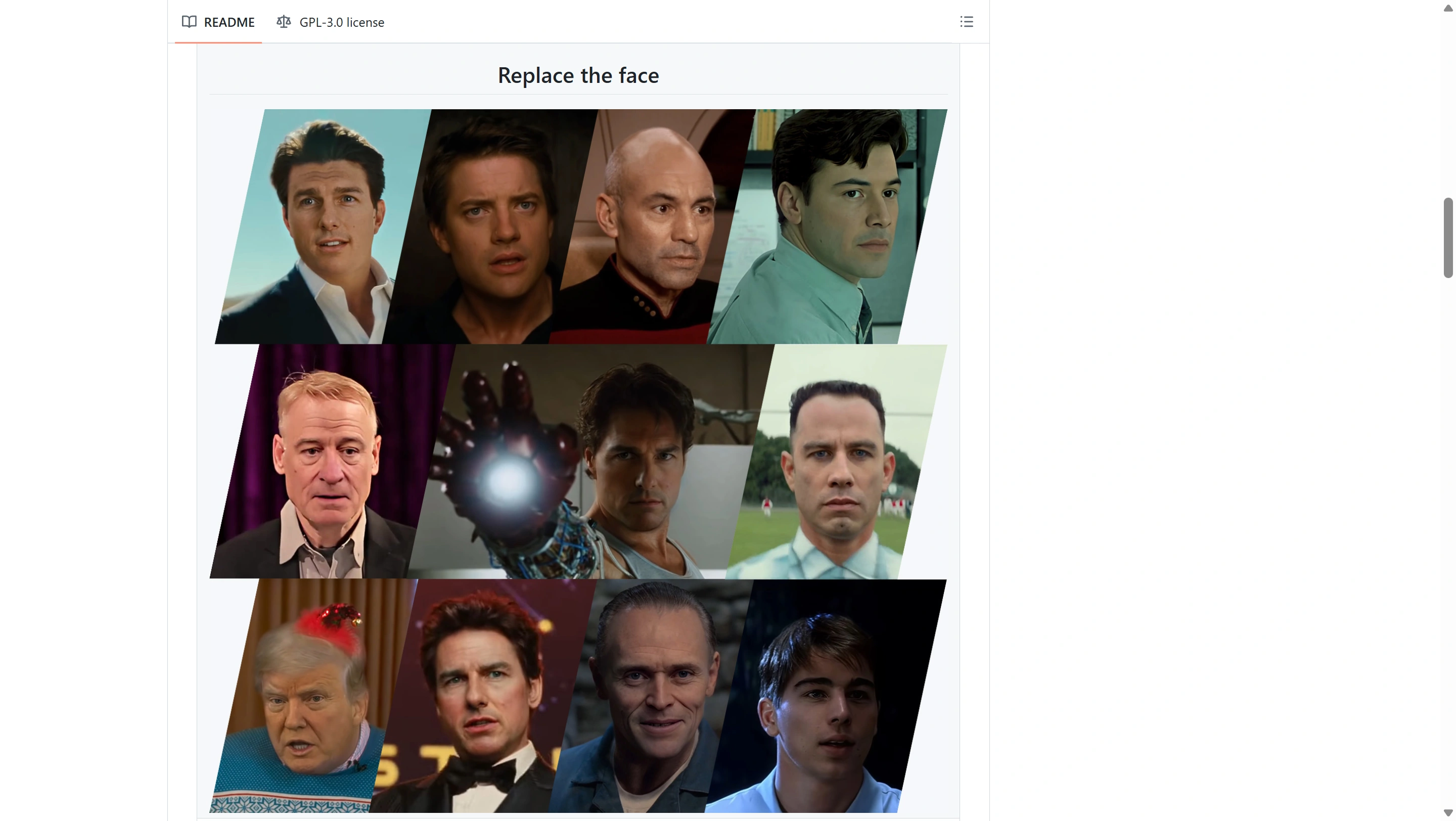
VideoFaceSwap.before_after.label_before
VideoFaceSwap.before_after.label_after
22Tools surveyed
4Buyer profiles
8User questions answered
30+Independent sources cross-checked

30-second answer

If you only read one paragraph

There is no single best face swap tool — there are four, one per buyer profile. For free, offline, hobbyist or VFX work, the community consensus winner is FaceFusion 3.6 (or VisoMaster if you want a GUI). For one-click web, it's DeepSwap for casual use and Akool for client work. For talking-head video and APIs, it's HeyGen or D-ID. For bleeding-edge video quality, it's Wan-Animate on the open side and Akool on the cloud side. The most common complaint — "it looks plastic" — is a model-resolution problem, not a vendor problem. We explain how to fix it below.

Top picks by profile

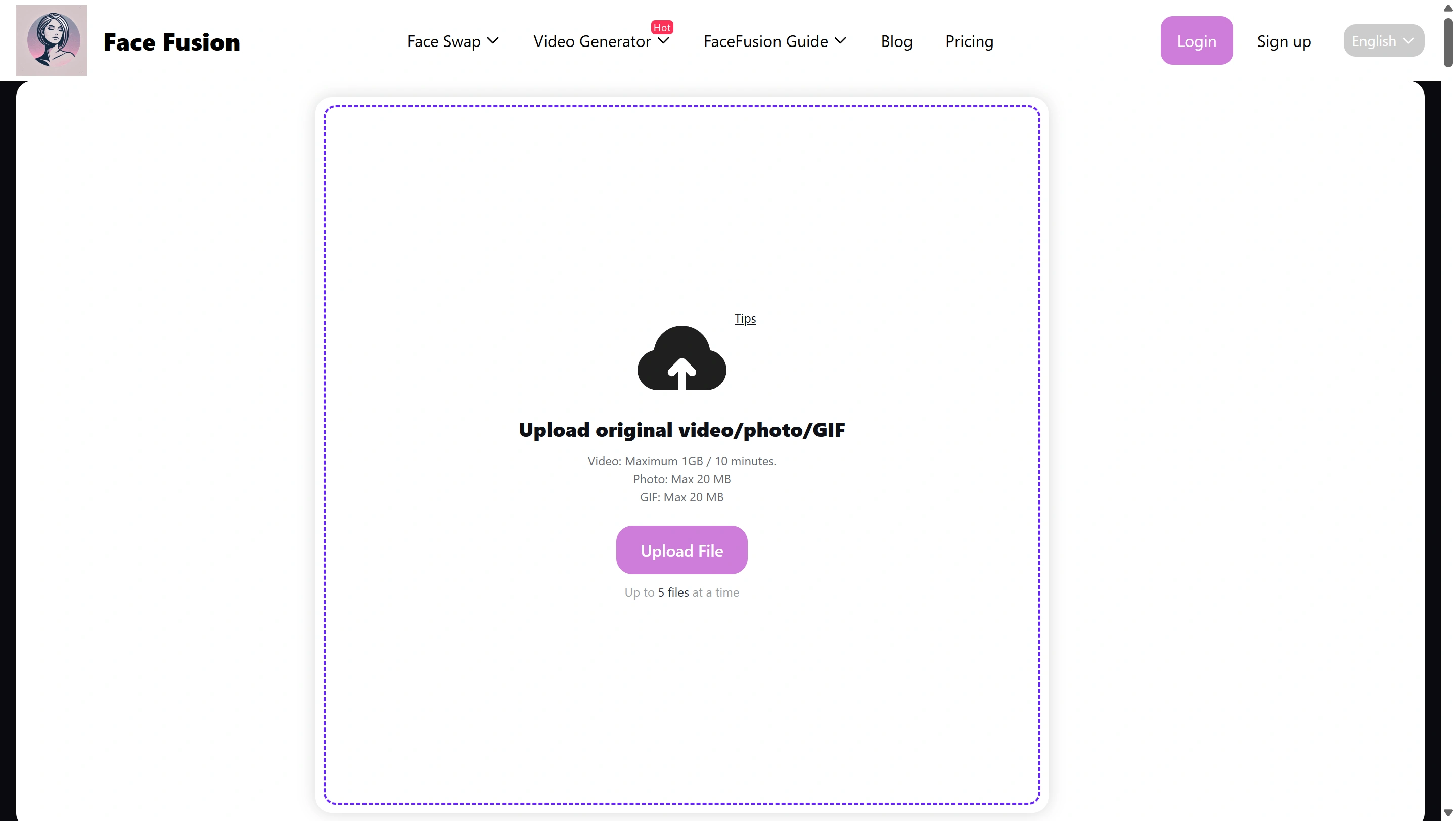
Free / local / offlineFaceFusion 3.6
One-click web SaaSDeepSwap → Akool
Enterprise API / talking-headHeyGen / D-ID
Cutting-edge video diffusionWan-Animate / Flux 2 BFS

Step 2 — Compare

The Master Comparison Matrix

Every tool we evaluated, scored on the dimensions real users actually care about. Tap a row to expand its dossier.

ToolTypeLicenseBest face resolutionEntry pricingAPIFree-tier watermarkUser sentiment
Open-source / Local
FaceFusion 3.6Local (Python / ComfyUI)MITUp to 512 with GFPGAN chainFreeCLI / programmaticNoneVery positive — top Roop successor
VisoMasterDesktop app (Win)Open source512 with built-in restorersFreeNonePositive — "FaceFusion with a GUI"
ComfyUI ReActor + InsightFaceComfyUI nodeOpen source128 native; 512+ via DetailerFreeComfyUI APINoneDefault in ComfyUI workflows
DeepFaceLabLocal trainer (Win)Open source512–1024 (SAEHD/AMP)FreeNoneGold standard, high effort
DeepFaceLiveLocal real-timeOpen source224–384 streamingFreeNoneBest for streaming/webcam
LivePortraitLocal / ComfyUIOpen source (Kuaishou)Expression-driven (not classic swap)FreeNoneTop choice for portrait animation
Web SaaS
DeepSwapWeb SaaSCommercial1080p (paid)$9.99/moLimitedYes (free tier)Mixed — fast, credit-heavy
AkoolWeb SaaS + APICommercial4K-class (Pro)$14.99/mo (Pro)Yes (paid plans)Yes (free tier)Positive — agency favourite
Magic HourWeb SaaSCommercialHD video$9/moLimitedYes (free)Mixed — "good price, mid quality"
Picsi.aiDiscord bot + webCommercial512 (model-bound)$9.99/moYes (free)Niche — Midjourney users
Remaker AIWeb SaaSCommercialHD photoFree + $9.99/moYes (free)Positive free tier
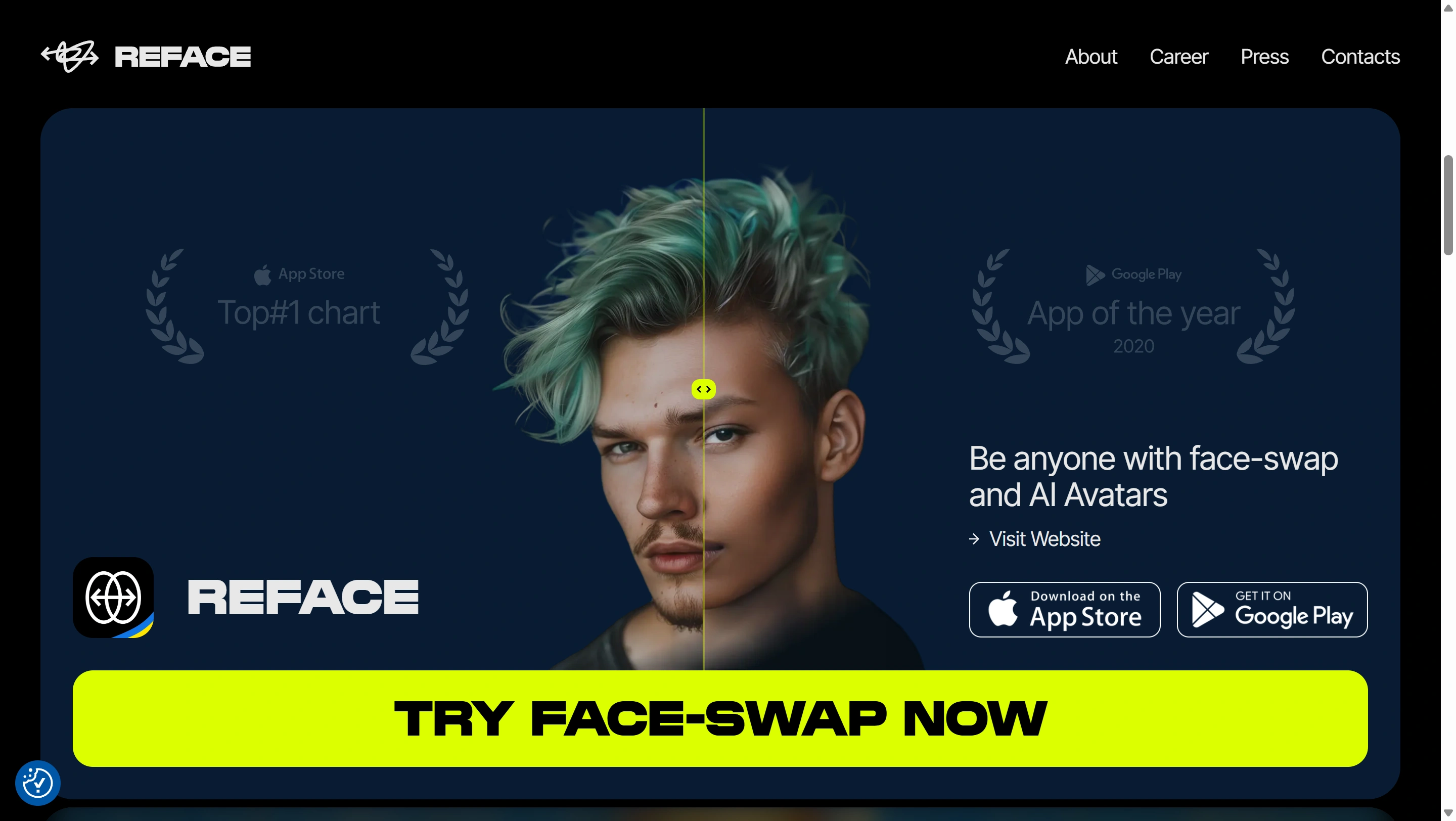
RefaceMobile appCommercial (consumer)Short-clip optimised$4.99/wk ProYesPolarised — fun + ToS issues
Vidnoz / VidMageWeb SaaSCommercial4K (paid)Free + tieredYes (free)Generous free tier
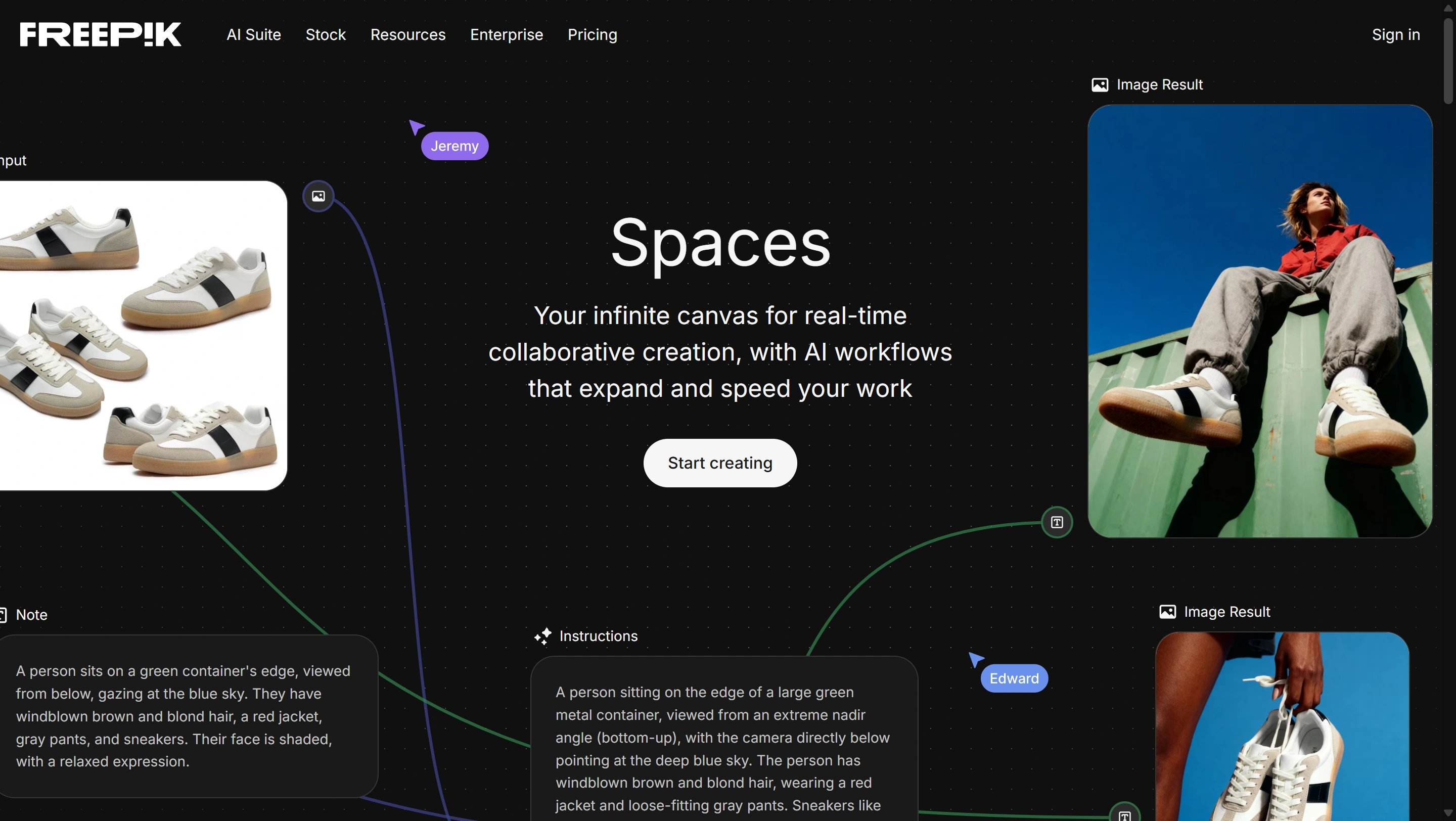
Freepik AI SpacesWeb SaaS bundleCommercialTemplate-drivenPremium planBundledMarketer-friendly
Enterprise API
HeyGenWeb SaaS + APICommercial enterprise1080p–4K avatars$29/mo CreatorYes (separate plan)Yes (free)B2B avatar leader
D-IDWeb SaaS + APICommercial enterprise1080p talking-head$4.70/mo LiteYes (REST)Yes (Lite)Top for embedded talking-head
Akool APIAPICommercial enterprise4K-classTiered (mirrors plans)Yes (developer tier)Positive for ad agencies
Frontier / Research
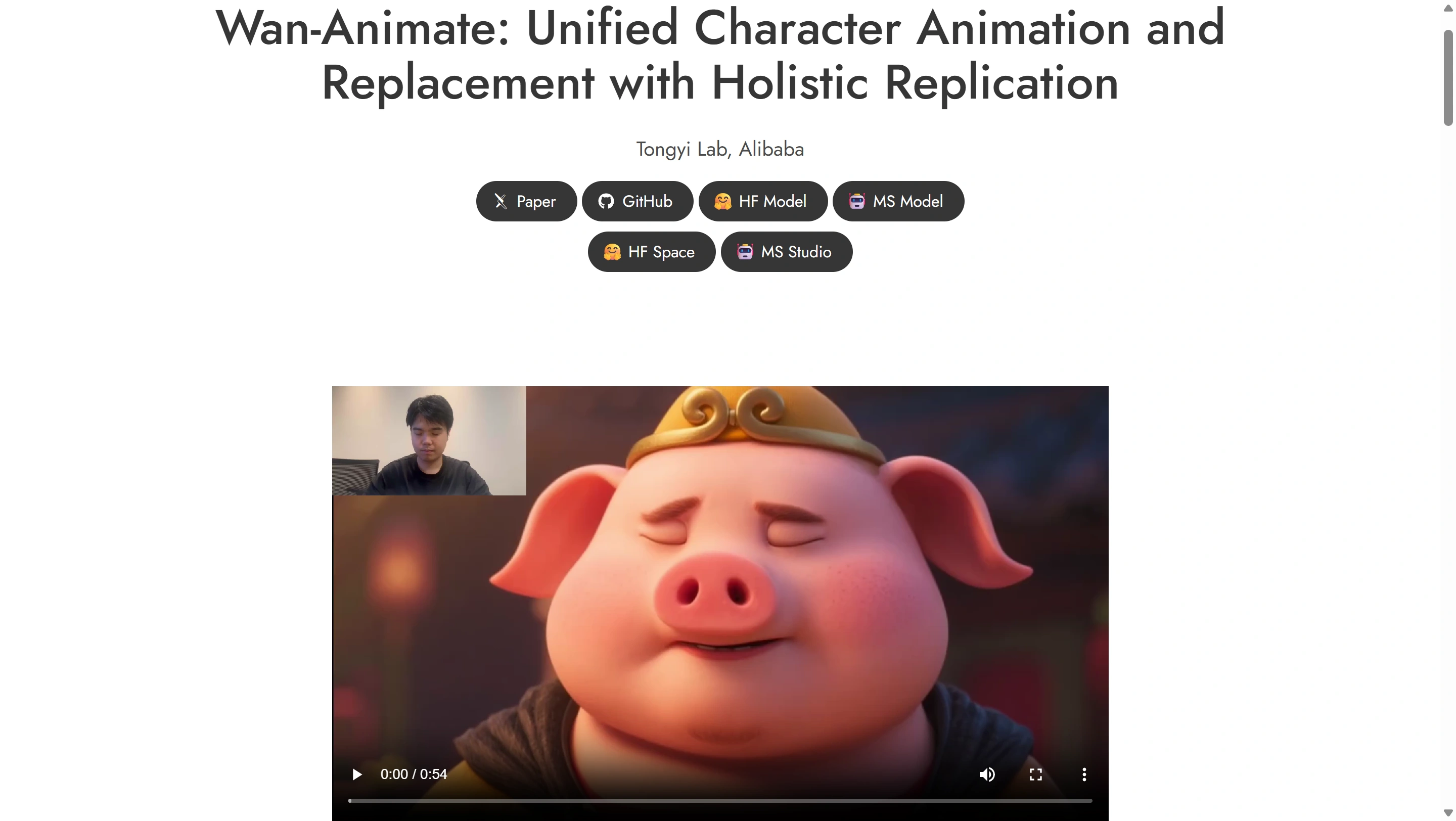
Wan-Animate (Wan 2.1 VACE)ComfyUI / hostedOpen weights720p–1080p videoFree local / paid hostedCloud onlyHosted-dependentBest 2025–2026 video
Flux 2 Klein 9B + BFS LoRAComfyUI / hostedOpen base, LoRA variesTransformer-class imageFree local / hostedHosted onlyHosted onlyBleeding-edge image niche
HyperSwap (FaceFusion Labs)Local modelResearch preview512 (no built-in enhancer)Free previewLimitedNoneEmerging late-2025

Pricing verified during April 2026 web searches. License terms apply to the code; commercial use of generated content still requires you to hold rights to the depicted faces.

Step 3 — The verdicts

The #1 User Pick For Each Scenario

Aggregated from upvoted comments across r/StableDiffusion, r/comfyui, r/AI_Face_Swap, r/aitoolkit, and r/AIVideo.

  1. #01Best free, local, offline

    FaceFusion 3.6

    Active maintenance, the de-facto Roop successor, scriptable, no telemetry.

    FaceFusion 3.6
  2. #02Best video quality (open)

    Wan-Animate

    Open-weight 720p–1080p video diffusion with temporal coherence; ComfyUI workflows everywhere.

    Wan-Animate
  3. #03Best video quality (offline trainer)

    DeepFaceLab

    Cinema-grade SAEHD/AMP at 512–1024, still the standard for VFX work.

    DeepFaceLab
  4. #04Best one-click web

    DeepSwap

    No install, fast turnaround, supports photo + GIF + 1080p video on paid tiers.

    DeepSwap
  5. #05Best for client / agency work

    Akool

    Trusted by 10,000+ companies, 4K-class output, paid API, explicit commercial-use rights.

    Akool
  6. #06Best ComfyUI workflow

    ReActor + Detailer

    Composable with the entire SD/Flux ecosystem; chain GFPGAN/CodeFormer for the polish.

    ReActor + Detailer
  7. #07Best for talking-head video

    HeyGen / D-ID

    Industry-leading scripted avatars, multilingual, paid REST APIs.

    HeyGen / D-ID
  8. #08Best for portrait animation

    LivePortrait

    12.8 ms/frame on a 4090; expression-driven, not a classic swap.

    LivePortrait

Step 4 — Tool by tool

The Twelve Most-Discussed Tools, Unpacked

For each tool we summarise what it actually is, who maintains it, and the trade-off that makes users either love it or roast it.

01 / 12

FaceFusion 3.6

Open-source · Local · Free

A Python pipeline wrapping InsightFace's inswapper_128 model with face detection (RetinaFace / YOLOFace), restorers (GFPGAN, GPEN, CodeFormer), and frame-by-frame video processing. Version 3.6 added improved temporal coherence, LivePortrait handoff for lip-sync, and a cleaner Gradio UI.

Pros

Free, offline, no telemetry, scriptable, multi-face, runs on Windows / macOS / Linux.

Cons

Setup friction (Python + CUDA + ONNX); the 128 px native model is the visible quality bottleneck; you must understand the restorer chain.

Best for

Privacy-first users, VFX hobbyists, ComfyUI-adjacent creators.
02 / 12

VisoMaster

Open-source · Desktop GUI

A polished Windows desktop wrapper around the same InsightFace + restorer stack. Multi-face mask painter, built-in face occluder (face masking added in 0.5.0), bundled restorers, one-click installer.

Pros

GUI workflow for masking around hair, glasses, and occlusions; no CLI knowledge required.

Cons

Windows-first; same 128 model ceiling as FaceFusion when restorer is off.

Best for

Hobbyists who want FaceFusion quality without Python.

03 / 12

ComfyUI ReActor + InsightFace

Open-source · ComfyUI node

A ComfyUI node ("ReActor Fast Face Swap") that runs InsightFace's inswapper_128.onnx inside any Comfy workflow. Standard recipe: load default workflow → add ReActor → wire source / target → chain a Face Detailer (GFPGAN or CodeFormer) for polish.

Pros

Composable with ControlNet, IP-Adapter, Detailer, refiners; reproducible; free.

Cons

Native 128 resolution; quality depends entirely on the Detailer chain you build.

Best for

Stable Diffusion / Flux workflow users who already live in ComfyUI.

04 / 12

DeepFaceLab & DeepFaceLive

Open-source · Trainer + real-time

DeepFaceLab is the original Russian deepfake research project — post-production workflow with SAEHD / AMP models trained per identity, output 512–1024 px. DeepFaceLive is the real-time variant at 224–384 px for streaming. As of 2026, DeepFaceLab is showing community revival and remains the gold standard for offline cinematic swaps.

Pros

Highest open-source output quality; offline; stable model lineage.

Cons

Days of training per identity; steep learning curve; needs a strong GPU and a clean dataset.

Best for

VFX professionals, researchers, dedicated hobbyists chasing cinema-grade results.

05 / 12

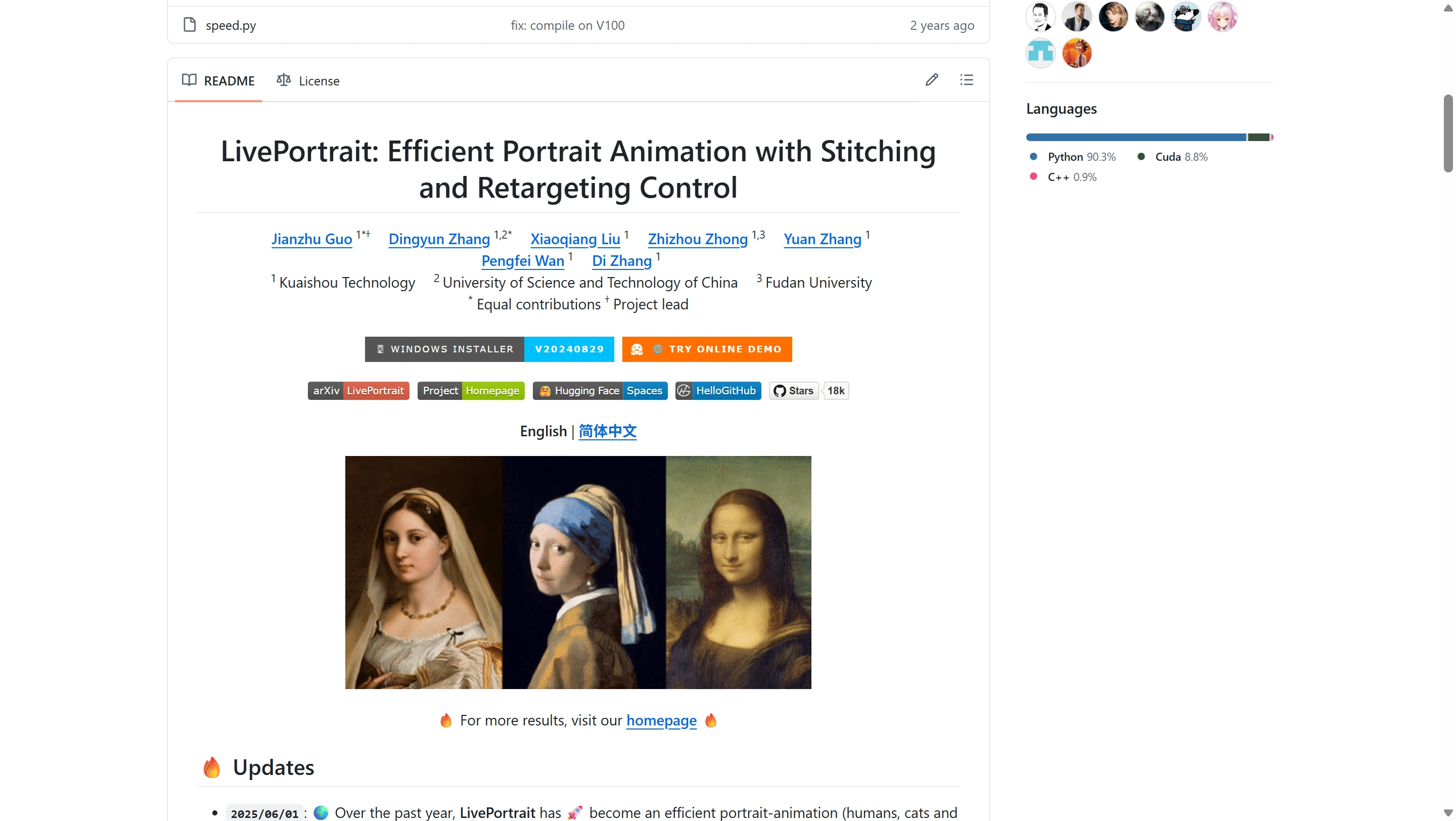
LivePortrait

Open-source (Kuaishou) · Animation

Not a classic face swap — it animates a single source image using a driving video, audio, or text via an implicit-keypoint framework (not diffusion). Trained on ~69 million frames. Stitching, eye-retargeting, and lip-retargeting modules handle re-paste and identity mismatch.

Pros

Astonishing speed (~12.8 ms/frame on RTX 4090), expressive output, runs locally.

Cons

Cross-id reenactment can fail when source and driver differ heavily in geometry; this is animation, not identity replacement.

Best for

Talking-head reanimation, one-image-to-video, hybrid pipelines (swap → animate).

06 / 12

Wan-Animate (Wan 2.1 VACE)

Open weights · Video diffusion

Alibaba's open-weight video diffusion family. VACE is the unified video editing/control variant; Wan-Animate specialises in driving a still character with a reference video — covering face swap, full-body motion transfer, and lip-sync simultaneously. ComfyUI workflows are widely shared.

Pros

Best-in-class open-source video swap quality; 720p–1080p; temporally coherent.

Cons

Hours of render time on consumer GPUs; complex graph; beginner-hostile.

Best for

High-end ComfyUI users producing video, willing to accept long renders.

07 / 12

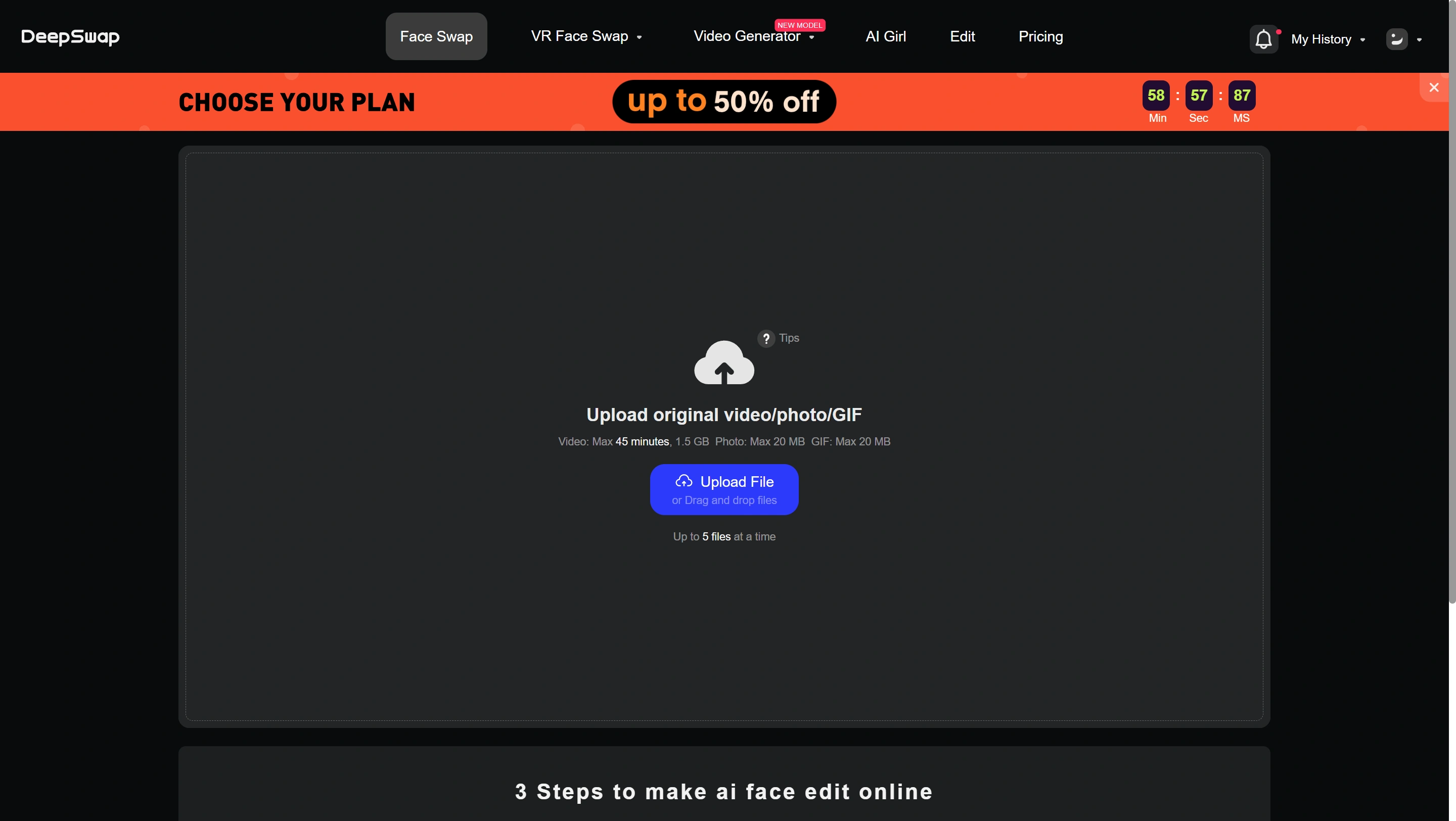
DeepSwap

Web SaaS · Commercial

A subscription-plus-credits web platform. Standard plan from $9.99/mo with a monthly credit pool; higher tiers add 4K, longer videos, batch processing.

Pros

No install, fast turnaround, supports photo + GIF + video; 1080p paid output.

Cons

Credit unpredictability; free tier watermarked; cloud-only (privacy concern).

Best for

Memes, social posts, short prototypes.

08 / 12

Akool

Web SaaS + API · Commercial

Trusted by 10,000+ companies for photorealistic AI outputs, with streaming avatars and 4K-class swaps. Free tier; Pro from ~$14.99/mo; Enterprise custom. The API mirrors standard plan tiers but unlocks developer-level integration.

Pros

High realism, enterprise SLAs, paid API; ad agencies use it to combat creative fatigue.

Cons

Paid tiers required for serious work; cloud-only.

Best for

Agencies, marketing teams, builders needing a face-swap API.

09 / 12

HeyGen

Web SaaS + API · Enterprise

Industry leader for talking-head scripted video. Creator plans at ~$29/mo include commercial-use rights and watermark-free output. Avatar add-ons at $29/mo each. API is a separate subscription. Enterprise offers unlimited minutes and advanced security.

Pros

Multilingual scripted avatars, polished workflow, enterprise-grade.

Cons

Not a classic identity swap — this is avatar creation.

Best for

B2B explainers, internal training, multilingual marketing.

10 / 12

D-ID

Web SaaS + API · Enterprise
D-ID

Five plan editions; Lite/Pro/Advanced from $4.70/mo annual. Comprehensive REST API for talking-head video generation. Competes directly with HeyGen and Synthesia in the enterprise segment.

Pros

Affordable entry, mature REST API, low integration friction.

Cons

Talking-head focus; not a body / scene swap tool.

Best for

Builders embedding talking-head into their own product or agent.

11 / 12

Reface

Mobile · Consumer
Reface

Consumer mobile app focused on short-clip GIFs and viral templates. Free with watermark + ads; Pro from ~$4.99/week.

Pros

Fun, fast, social-first.

Cons

Commercial-use license is unclear and the search results raise legal concerns; treat as personal-use only.

Best for

Pure entertainment.

12 / 12

Freepik AI Spaces

Web SaaS · Bundle
Freepik AI Spaces

Freepik became a full AI creative platform in 2026, bundling 39+ image models (Flux family, Imagen 3/4, Nano Banana), AI upscaling powered by Magnific (2×–16×), background removal, generative fill. Face swap lives in Freepik Spaces using template-driven workflows.

Pros

One platform for stock + design + face swap + upscaling.

Cons

Credit system is unpredictable — a single 8-second video can burn 25+ credits.

Best for

Marketing teams already using Freepik for design assets.

The #1 user complaint

Why Does My Face Swap Look Plastic? (And How to Fix It)

If you have ever asked this question, the answer is the same regardless of which tool you used.

Root cause

Almost every consumer face-swap tool — including ReActor, FaceFusion (default), Reface, Picsi, DeepSwap, Remaker, and most cloud APIs — uses InsightFace's inswapper_128.onnx model. The model outputs a 128 × 128 face crop, which is then composited back into the full-resolution image. When the destination face is larger than 128 px (true on any modern photo or 1080p video), the patch gets upscaled, and the upscaling smears pores, micro-shadows, and skin texture — producing the "plastic / sticker" look.

Before — face swap with inswapper-only plastic skin look
Before — INSwapper-only look: overly smooth skin, missing micro-texture, slight waxy sheen.
After — same swap with restorers and natural skin texture
After — same swap with GFPGAN/CodeFormer + light grain; pores, catchlights, and hair detail read naturally.

Five fixes that actually work

  1. 01

    Always chain a face restorer

    GFPGAN 1.4, CodeFormer (w = 0.5–0.7), or GPEN. In FaceFusion, set face-enhancer to gfpgan_1.4 and blend at 0.8. In ComfyUI, attach a Face Detailer with the same restorers plus an SD or Flux refiner.

  2. 02

    Use a higher-resolution model

    HyperSwap (FaceFusion Labs preview) targets native 512. Wan-Animate runs at 720p–1080p video. Flux 2 Klein 9B + BFS LoRA gives transformer-quality skin and lighting.

  3. 03

    Match input resolution

    Provide a source face that is at least 512 × 512, frontal, well-lit. The plastic effect intensifies when the source is also low-res — garbage in, plastic out.

  4. 04

    Don't over-blend

    Pulling the swap blend down from 1.0 to ~0.85 lets some original skin texture show through. The 100% pasted crop is what gives away the swap.

  5. 05

    Avoid extreme angles

    inswapper_128 was trained on near-frontal data. Profile and three-quarter views compound the artefact. Either retake the source or move to a higher-resolution model.

Privacy & law

Is It Still Legal in 2026? (And Which Tools Are GDPR-Safe?)

Face-swap tools themselves remain legal in the US and EU. The content you produce is now sharply regulated. Here's the 2026 reality, distilled.

The TAKE IT DOWN Act

Passed by Congress on April 28, 2025 and signed into law on May 19, 2025. The TAKE IT DOWN Act ("Tools to Address Known Exploitation by Immobilizing Technological Deepfakes on Websites and Networks") has two pillars: a federal criminal prohibition on knowingly publishing nonconsensual deepfakes, and a 48-hour platform notice-and-removal requirement enforced by the FTC.

Criminal prohibitions took effect immediately. Covered platforms have until May 19, 2026 to implement the notice-and-removal process. Penalties run up to three years' custody plus fines, with stricter rules for content involving minors. Washington and Pennsylvania state laws are also now in effect; California has older deepfake statutes.

Why the crackdown

Deepfake fraud cases rose more than 2,000% since 2022; deepfake-related scams caused an estimated $1.1 billion in losses in 2025 alone.

Which tools are private?

Cloud face-swap services routinely upload your source face and run cross-border processing. In 2026 this raises explicit GDPR and cross-border-transfer concerns. The only fully private path is local processing.

Fully local (recommended for sensitive content)

FaceFusion 3.6 · VisoMaster · ComfyUI ReActor · DeepFaceLab · DeepFaceLive · LivePortrait local

Lower-risk cloud (with clear retention SLAs)

Akool Enterprise · HeyGen Enterprise · D-ID Advanced

Practical guidance for builders

  • Add a consent / takedown workflow if your product hosts user uploads.
  • Watermark or C2PA-stamp generated content where feasible.
  • Maintain logs sufficient to comply with platform-removal notices within 48 hours.
  • Geo-block or age-gate where state law requires it.
  • Never enable swaps onto known minors.

Licensing & rights

Which Tools Are Safe For Commercial / Client Work?

License terms vary widely. Below is a plain-English rights matrix, verified against vendor terms in April 2026.

ToolFree-tier outputPaid-tier rightsConsent required from depicted person?
FaceFusion / VisoMaster / ReActor / DeepFaceLabNo watermark (free)MIT — your content, your rightsYes (publicity / likeness law)
AkoolWatermarkedCommercial use granted on Pro+Yes
HeyGenWatermarkedCommercial use on Creator+Yes — and additional avatar consent
D-IDLite watermarkCommercial use on Pro+Yes
DeepSwapWatermarkedCommercial use on paid tiersYes
RefaceWatermarkedLicense unclear — assume personal-use onlyYes
Vidnoz / VidMageWatermarkedCommercial use on paid tiersYes

Tool license covers the code or service, not the rights to the depicted person's likeness. Always obtain written consent before using someone else's face in commercial or public-facing content; never use celebrity likenesses for paid promotion without clearance.

Step 5 — Choose

The Two-Question Decision Flow

If you only have 30 seconds, answer these two questions.

YESNOStartQ11. Will the swap leave yourcomputer?OFFLINE2. Are you willing to learn aworkflow?ONLINE2. Is this for personal fun orclient / paid work?YESYes → ComfyUI ReActor (maxflexibility) or DeepFaceLab(max quality)NONo → FaceFusion 3.6 (CLI /Gradio) or VisoMaster (fullGUI)PERSONALPersonal / fun → DeepSwap,Vidnoz, or Reface (mobile)PROClient / paid → Akool, HeyGen,or D-ID (commercial license +API)

1. Will the swap leave your computer?

FAQ

Questions Creators Ask Most

  • FaceFusion 3.6 is the community consensus winner — free, offline, watermark-free, with active maintenance. VisoMaster offers the same quality with a full GUI. For ComfyUI users, ReActor + InsightFace + a Face Detailer chain is the default. All three run entirely on your machine.

  • The original Roop main repo went stagnant. Active forks include Roop-Unleashed and Roop-Floyd (multi-face support, live webcam). The de-facto migration is to FaceFusion 3.6, which carries the same model lineage (inswapper_128) into a far richer pipeline with better detectors, restorers, and video coherence. VisoMaster is the GUI-only path.

  • Almost every consumer tool uses InsightFace's inswapper_128 model, which outputs a 128×128 crop that gets upscaled to your full image. Fix: chain GFPGAN 1.4 or CodeFormer (w=0.5–0.7) as a restorer, use a 512+ source face, pull blend strength to ~0.85, avoid extreme angles, or move to a higher-resolution model like HyperSwap, Wan-Animate, or Flux 2 BFS.

  • Open-source: Wan-Animate (best 2025–2026 quality at 720p–1080p) > DeepFaceLab (best with training) > FaceFusion 3.6 (best practical). Cloud: Akool > DeepSwap > Magic Hour. Talking-head/avatar: HeyGen > D-ID.

  • Akool, HeyGen Creator+, D-ID Pro+, and DeepSwap Pro+ explicitly grant commercial-use rights on paid output. FaceFusion / VisoMaster / ReActor / DeepFaceLab are MIT/permissive on the code. Reface does not clearly grant commercial use. In every case you must hold rights to the depicted face — code license is not consent.

  • Only fully local processing is private: FaceFusion 3.6, VisoMaster, ComfyUI ReActor, DeepFaceLab, DeepFaceLive, LivePortrait local. Cloud services upload your source and may process across borders, raising GDPR concerns. If you must use cloud, prefer enterprise tiers with clear retention SLAs (Akool Enterprise, HeyGen Enterprise, D-ID Advanced).

  • Yes, the tools are legal. The content you produce is regulated. Knowingly publishing a nonconsensual deepfake of an adult is a federal crime (up to 3 years), with stricter rules for minors. Covered platforms must implement 48-hour notice-and-removal by May 19, 2026. State laws in Washington, Pennsylvania, and California also apply.

  • HeyGen API (separate subscription), D-ID (comprehensive REST), and Akool API (mirrors standard tiers with developer integration) are the production-grade options. DeepSwap, Magic Hour, and Vidnoz offer partial or unofficial APIs — verify current docs. Open-source: FaceFusion exposes a CLI; ReActor inherits ComfyUI's API.

  • Different products. FaceFusion is free, offline, and infinitely tweakable but requires setup. DeepSwap is paid, cloud, one-click, and limited by a credit system. If you swap more than a handful of faces per month, FaceFusion wins on cost and privacy. If you do it twice a year, DeepSwap is fine.

  • Same underlying inswapper_128 model. ReActor wins if you already use ComfyUI and want to combine swap with ControlNet, IP-Adapter, or refiners. FaceFusion wins if you want a self-contained app with a UI, batch tooling, and built-in restorer chain. Quality at the same settings is comparable.

  • Yes for static-quality offline work. Cinema-grade SAEHD or AMP models trained per identity at 512–1024 px still produce the highest fidelity open-source results. The cost is days of training and a hefty GPU. For most users, FaceFusion + GFPGAN reaches "good enough" with 1% of the effort.

  • D-ID Lite at $4.70/mo (annual) is the cheapest paid talking-head tier. For classic face swap, DeepSwap and Magic Hour both start around $9–10/mo. Vidnoz has a generous free tier with watermarks, and Akool's Pro tier at ~$14.99/mo is the agency-grade cheapest entry.

Ready to try the top user pick?

Start with FaceFusion — free, local, no watermark

The community's #1 recommendation for free face swap in 2026. Run it locally, or try our hosted version with no install required.

Always have written consent from the depicted person, especially for monetized or public content.