
NSFW Reference to Video
|
Same Character, Every Frame. Zero Restrictions.
The #1 problem in AI video? Your characters morph mid-scene. Our model's NSFW Reference to Video locks character identity across every frame — upload reference images, describe the scene, and generate consistent, uncensored AI video. No multi-tool workflows, no surprise content bans, no discarded outputs.
What Is NSFW Reference to Video?
NSFW Reference to Video solves the two biggest problems in AI video generation: character drift and content censorship.
Standard Image-to-Video animates a single picture — but the character's face, body, and details shift with every frame. Reference to Video uses your uploaded images as an identity anchor. The AI generates entirely new scenes, actions, and camera angles while keeping every character identical to their reference. Our Model adds what mainstream R2V tools refuse: full NSFW support with zero content filters.
Right now, keeping two characters consistent across clips requires 4-5 separate tools and days of work. Creators are feeding the same reference image into every single generation, discarding 90% of outputs that don't match, and manually stitching together usable 2-second fragments. Our Model handles all of this in one step.
What Happens on Mainstream R2V Tools
- ✕A dancing animal video gets flagged as NSFW — prompt rejected
- ✕The word "guns" is blocked — your sci-fi character says "guynzz" instead
- ✕You pay for a subscription, then get blocked from generating basic content
- ✕Your account gets permanently banned for a single prompt the AI misinterprets
- ✕Smoking, fictional violence, even the phrase "let the invasion begin" — all blocked
What Happens on Our Model
- ✓Every prompt works — no silent rejections, no guessing what's allowed
- ✓No account bans, ever — your creative vision is never a policy violation
- ✓Your subscription money goes to generation, not to fighting content filters
- ✓Zero content monitoring — no humans review your prompts or outputs
- ✓Full creative freedom for adult content, artistic nudity, and unrestricted storytelling
Built for the Problems AI Video Creators Actually Face
Every feature addresses a real pain point — from character morphing to censorship surprises to multi-tool workflow chaos.
Character Consistency That Actually Works
Face-ID locking extracts identity embeddings from your reference — facial geometry, skin texture, hair, body proportions. These embeddings persist across every frame. No more discarding 90% of outputs because the face changed.
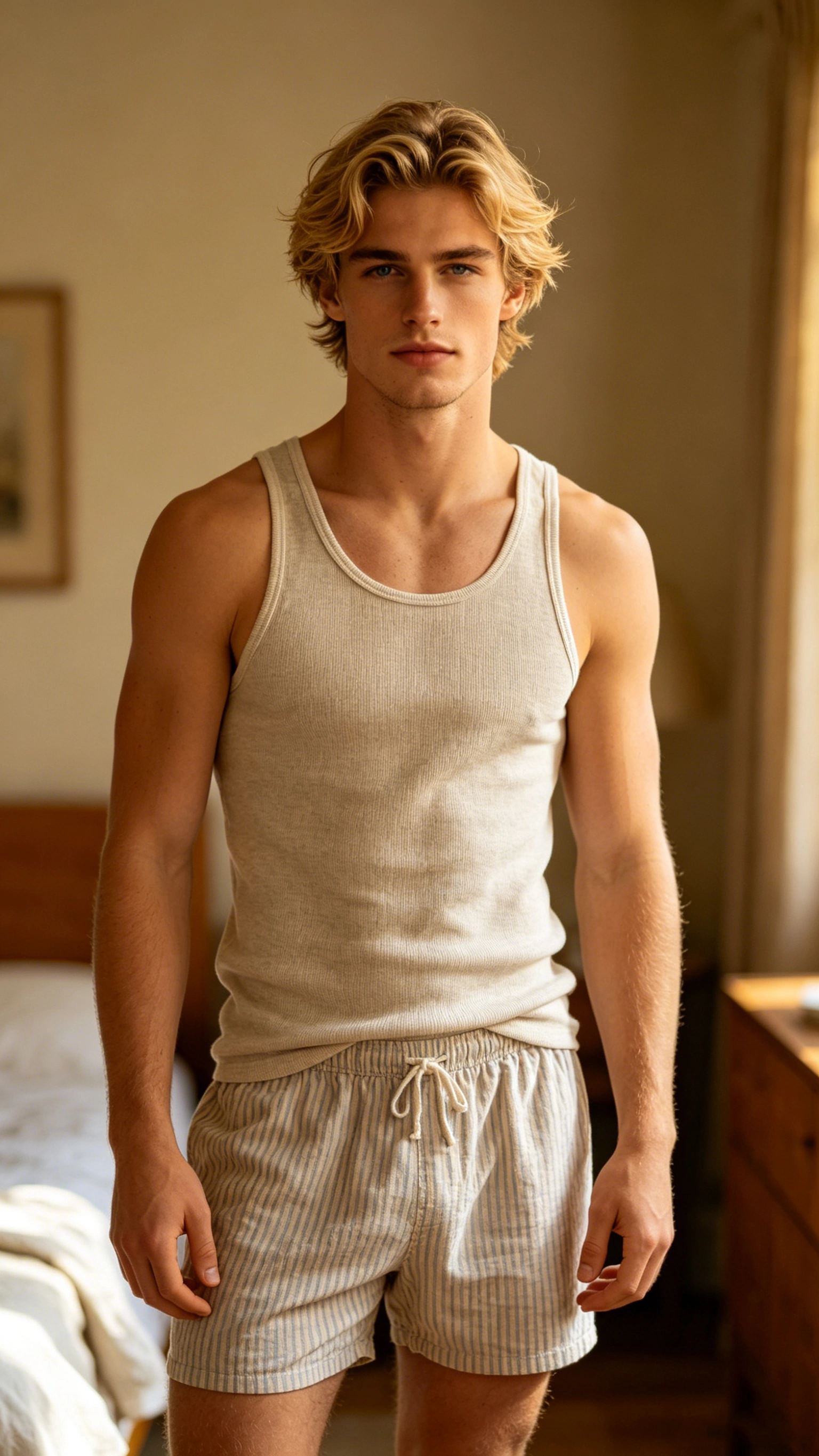 Person A
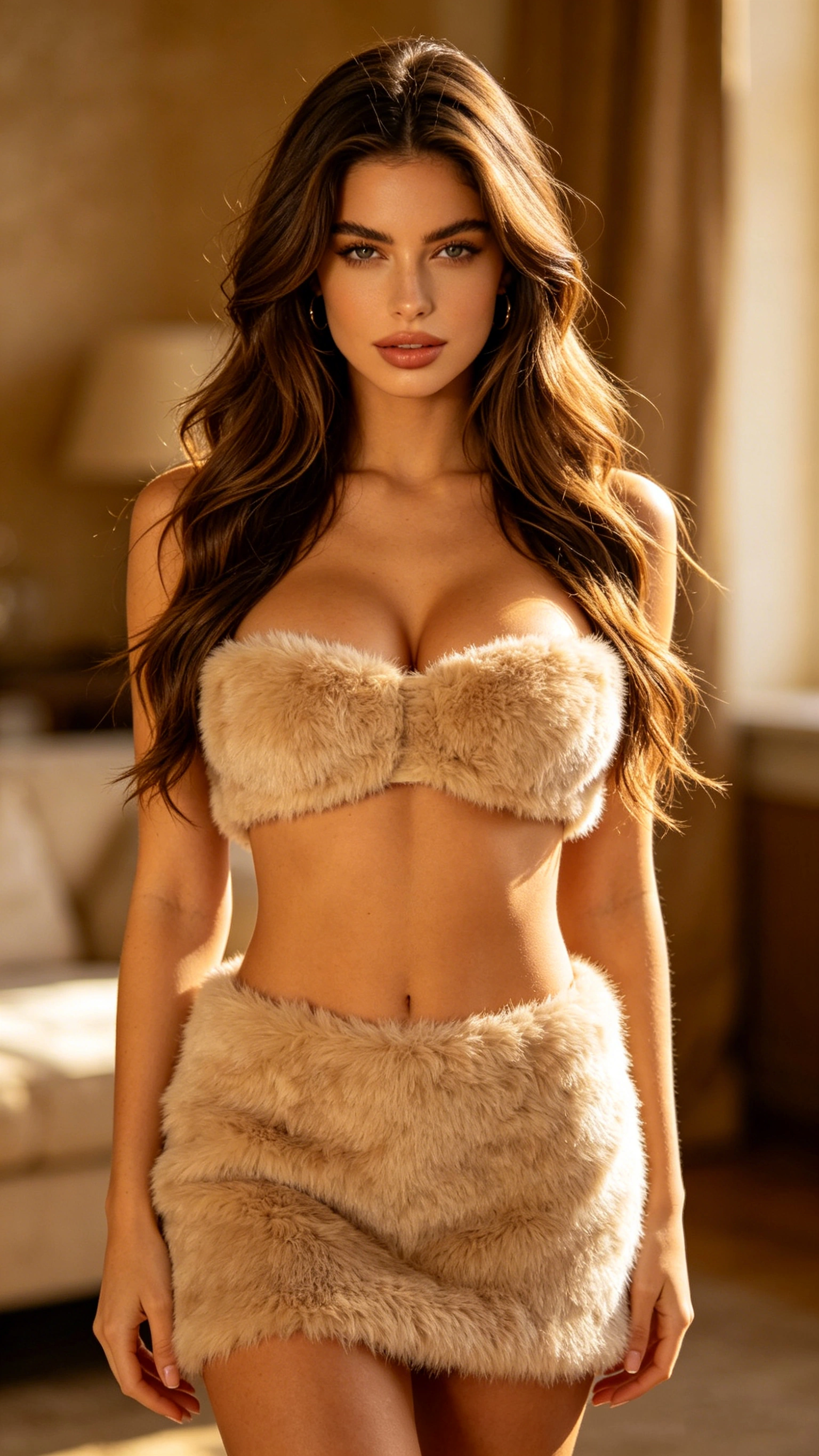 Person B
make the people in @Image 1 was around the waist of the person in @Image 2 by one hand, and was stroking the thigh of the person in @Image 2 by other hand while they sitting on the sofa in the living room.
HD Output Without AI Fingerprints
Full 1080p at 60 FPS with natural camera movement and proper depth of field — not the deep-focus, robotic-motion look that screams AI.
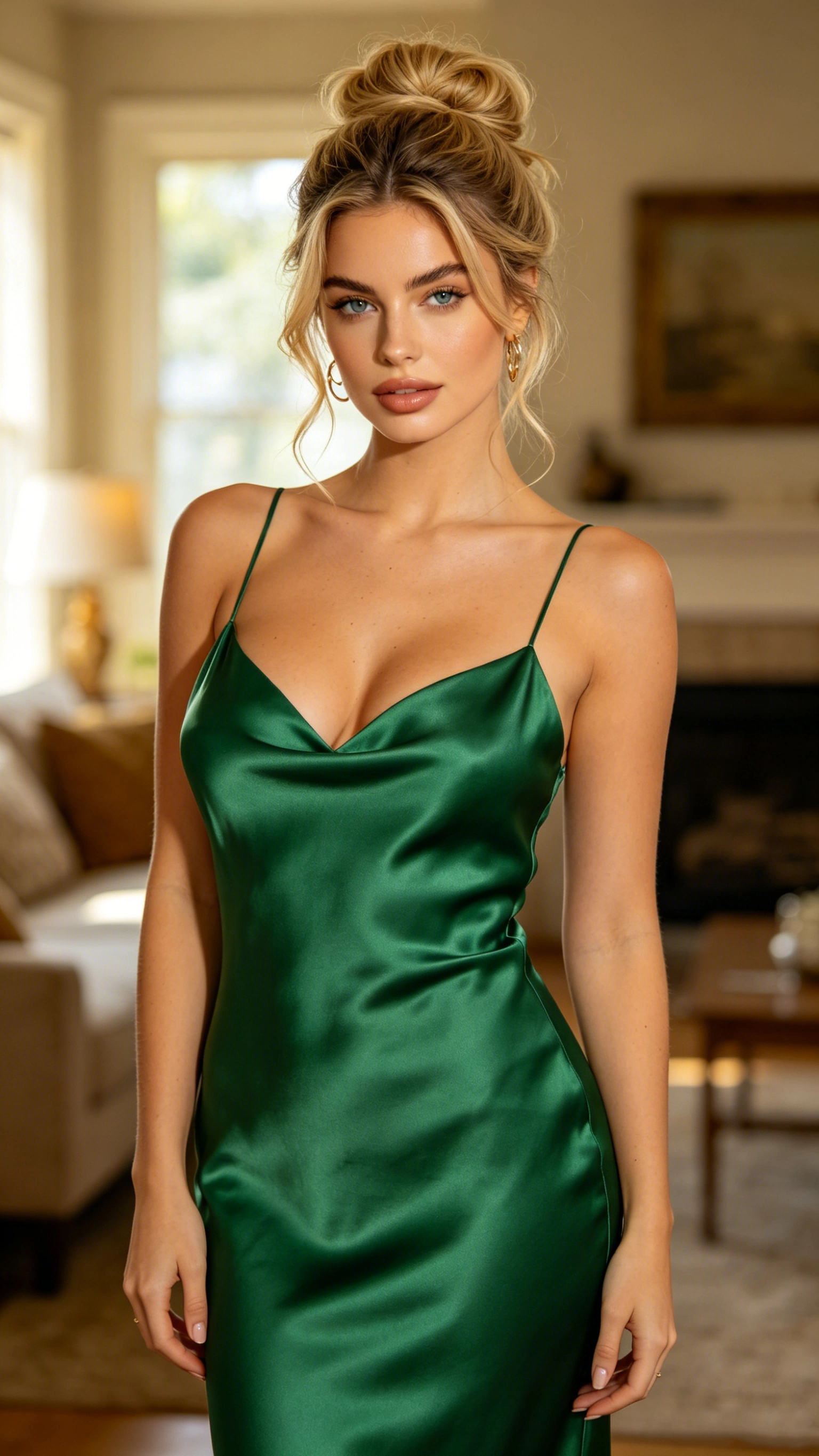 Character
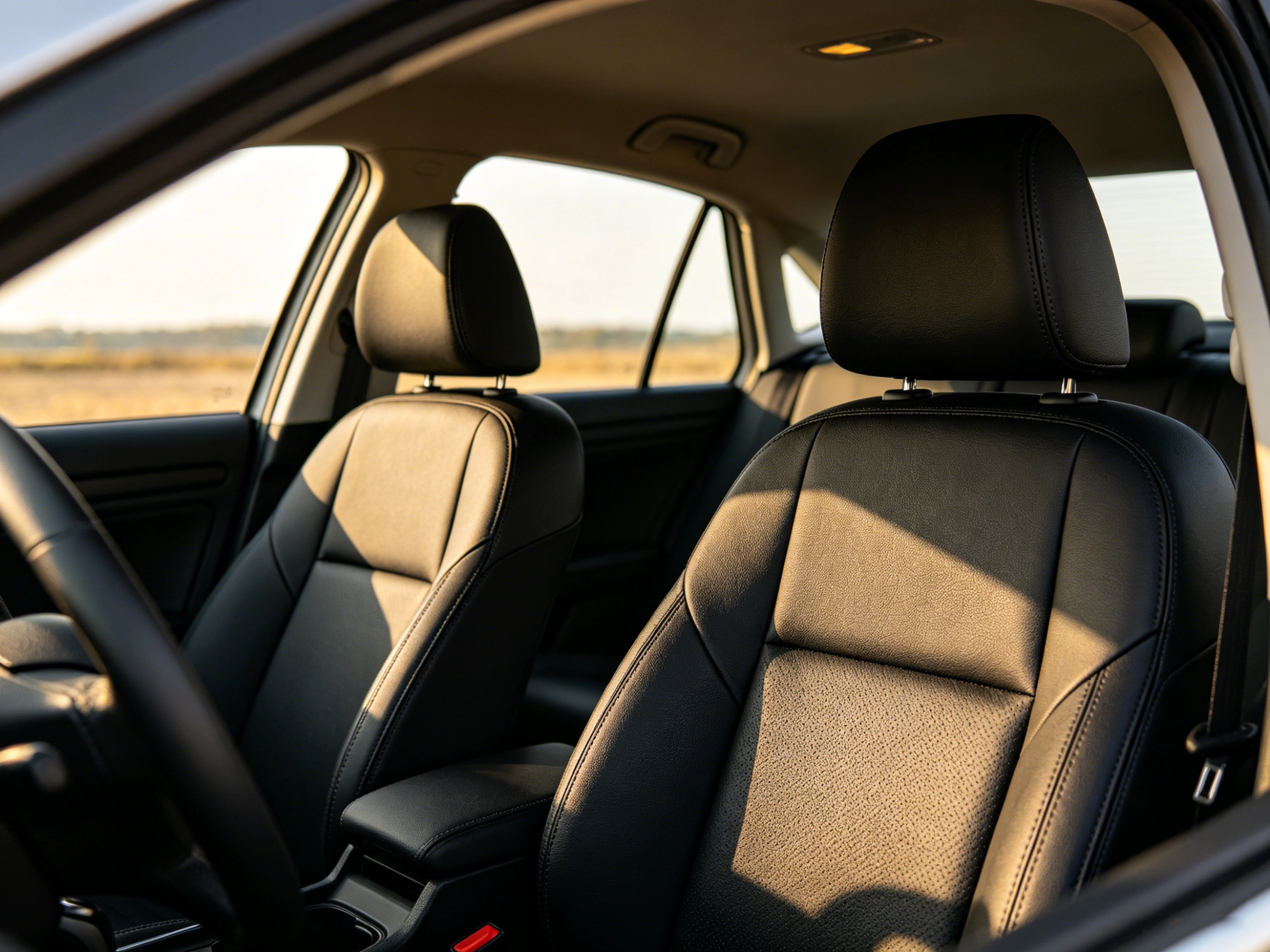 Background
make the person @Image 1 sitting in the car seat @Image 2 and wearing the seatbelt.
Multi-Reference in One Pass
Upload up to 7 reference images simultaneously — characters, backgrounds, outfits, and action clips. One upload, one generation, one result.
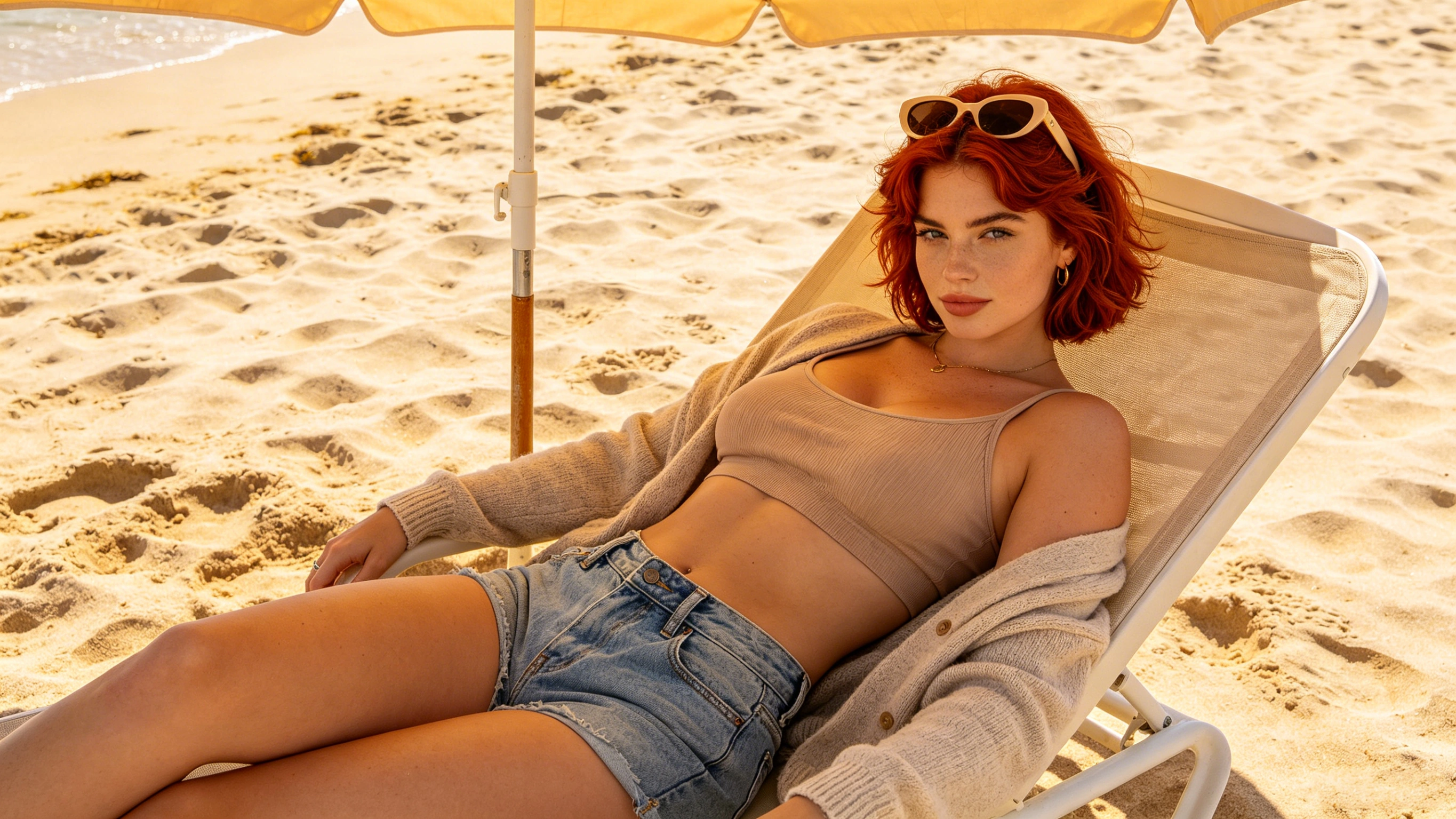 Character
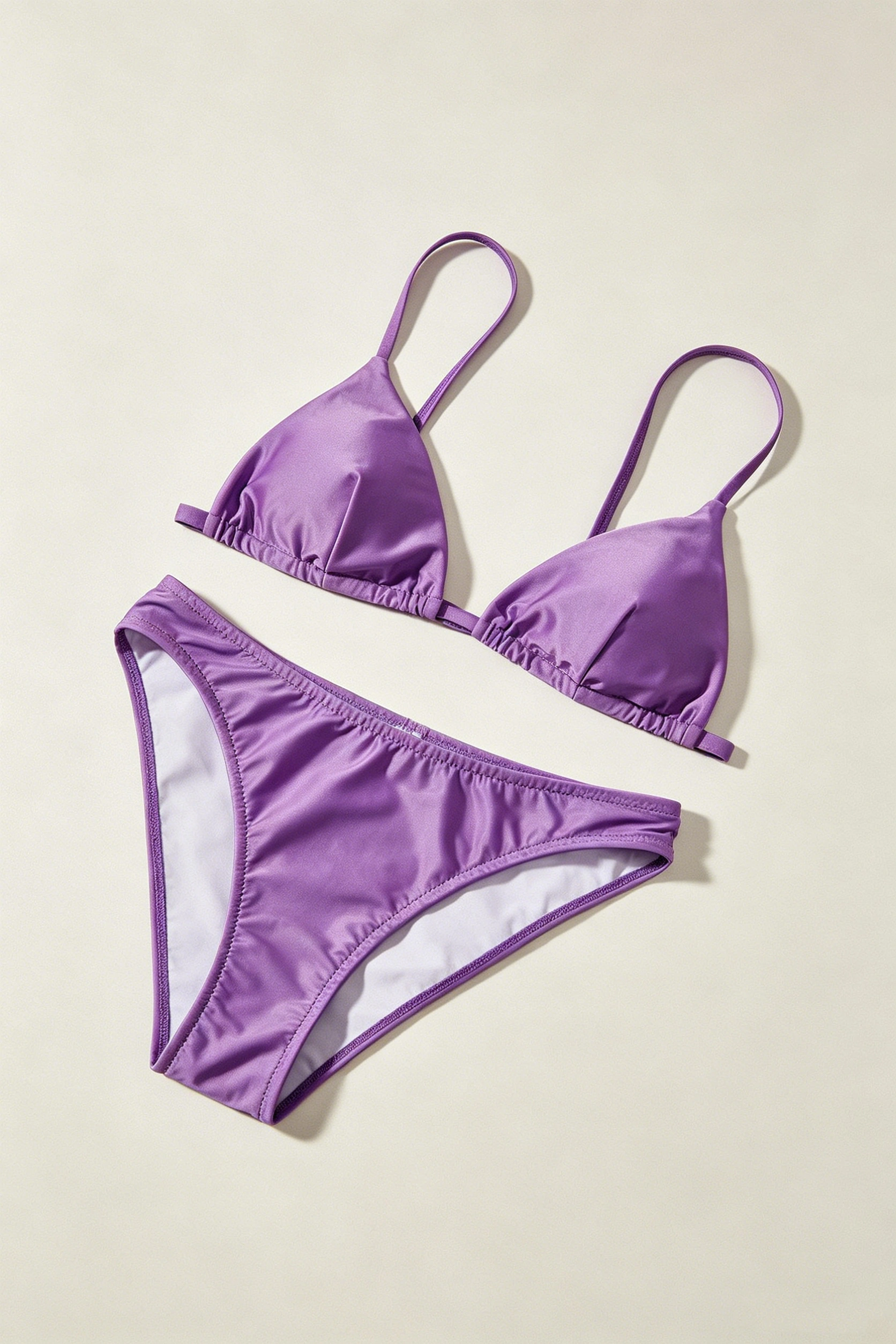 Outfit
replace the person's @Image 1 clothes with this bikini @Image 2, she raised one leg and stroked her thigh down to her chest with both hands.
Seconds, Not Days
Music video creators currently spend 4-5 full days across multiple tools. Our Model generates your NSFW Reference to Video in under 30 seconds, in your browser.
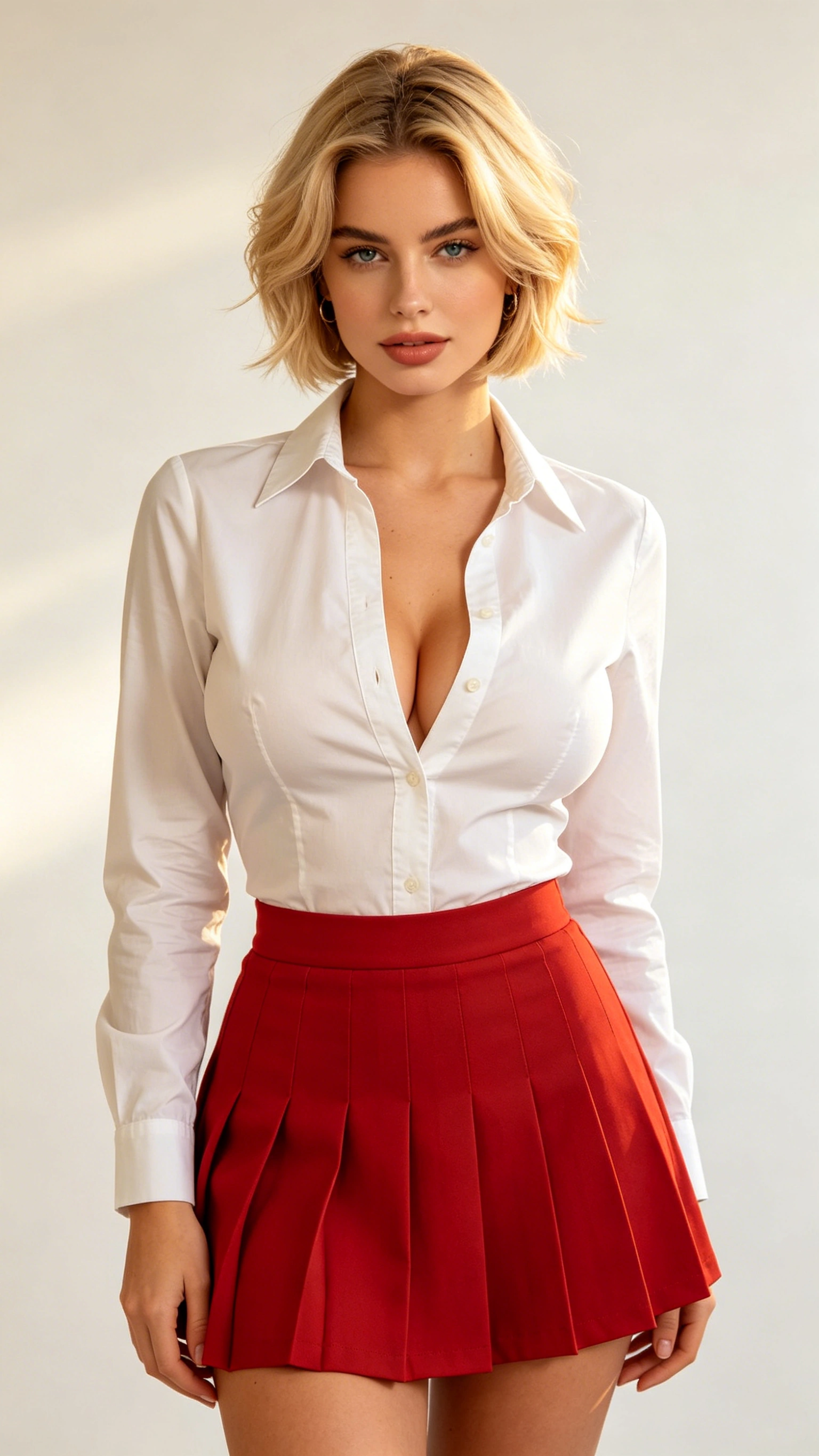 Character
replace the person @Image 1 with the person @Video 1, she danced with her hands on her hips and twisting her body.
4 Ways to Use NSFW Reference to Video
Each use case solves a specific problem that currently requires hours of multi-tool work or isn't possible on mainstream platforms at all.
Two-Character Interaction
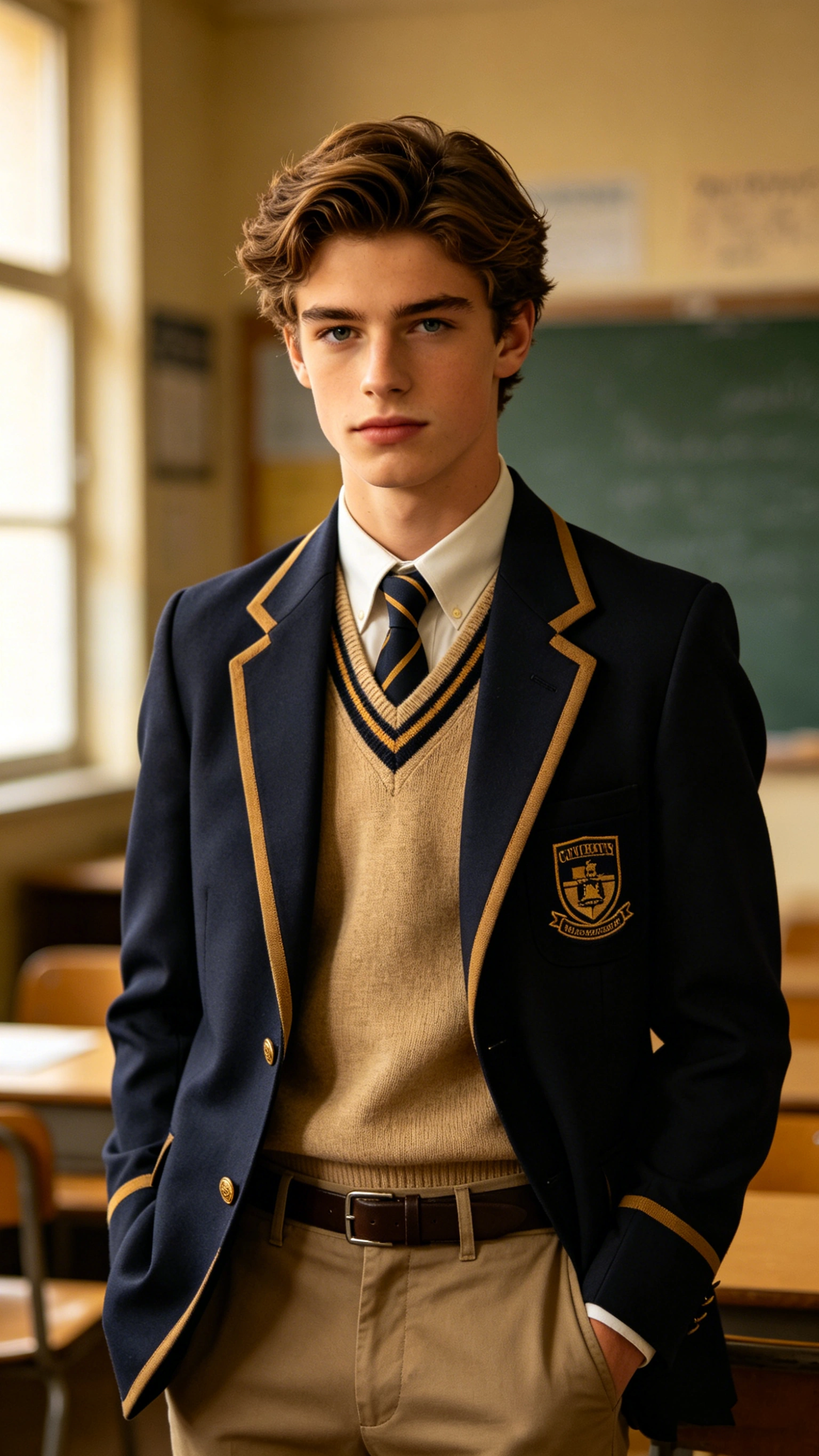
The hardest problem in AI video: keeping two different characters consistent in the same scene. Our Model locks both identities in a single generation — kissing, embracing, dancing, any interaction you describe.
- Dual-identity locking — each character maintains their own face, body, and features
- No compositing required — both characters generated in one pass
- Full NSFW support for intimate and romantic interactions
- Consistent lighting and shadow between both characters automatically
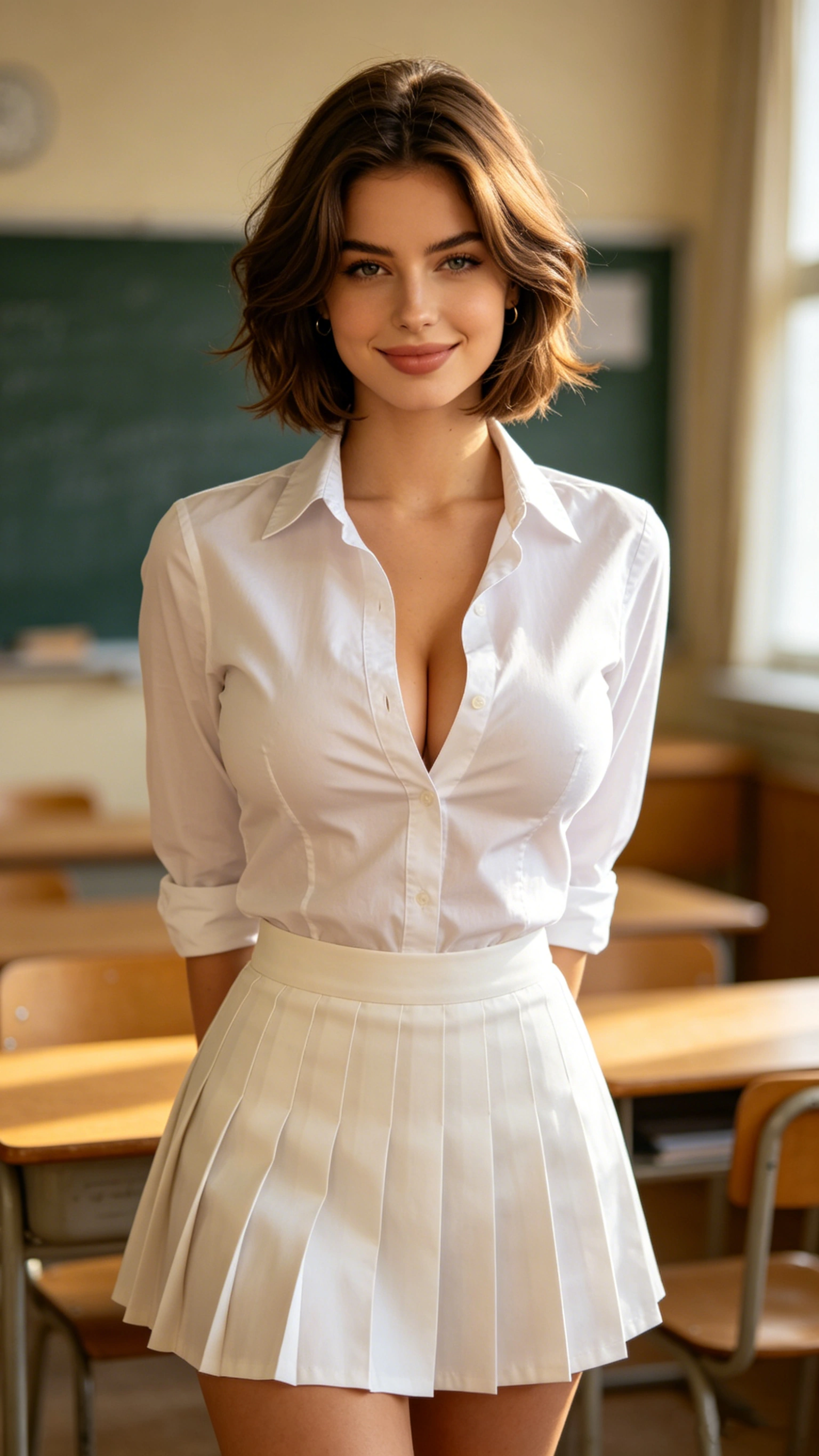 Person A
 Person B
make the people in @Image 1 embrace the person in @Image 2 in the classroom.
Scene Placement
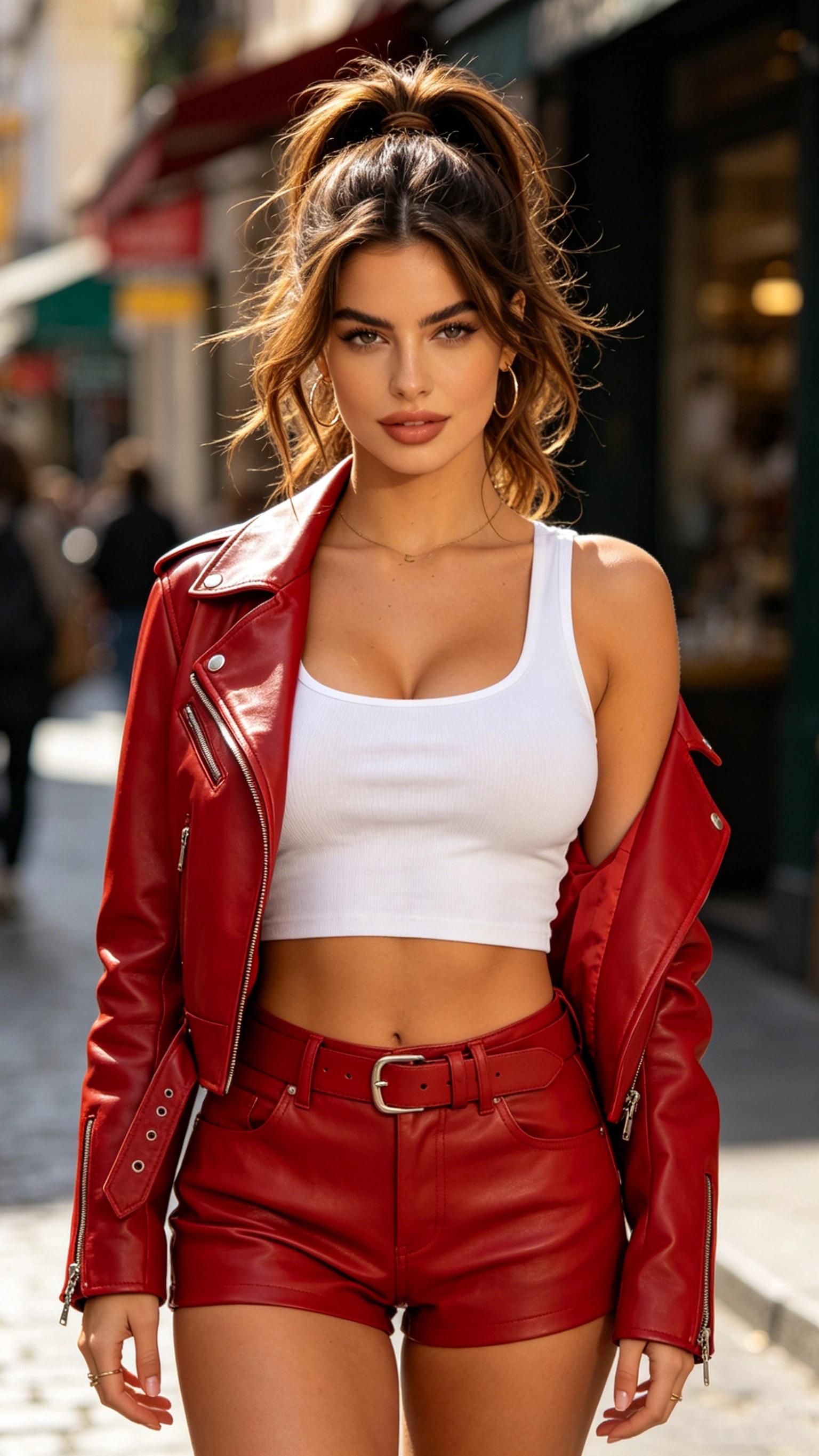
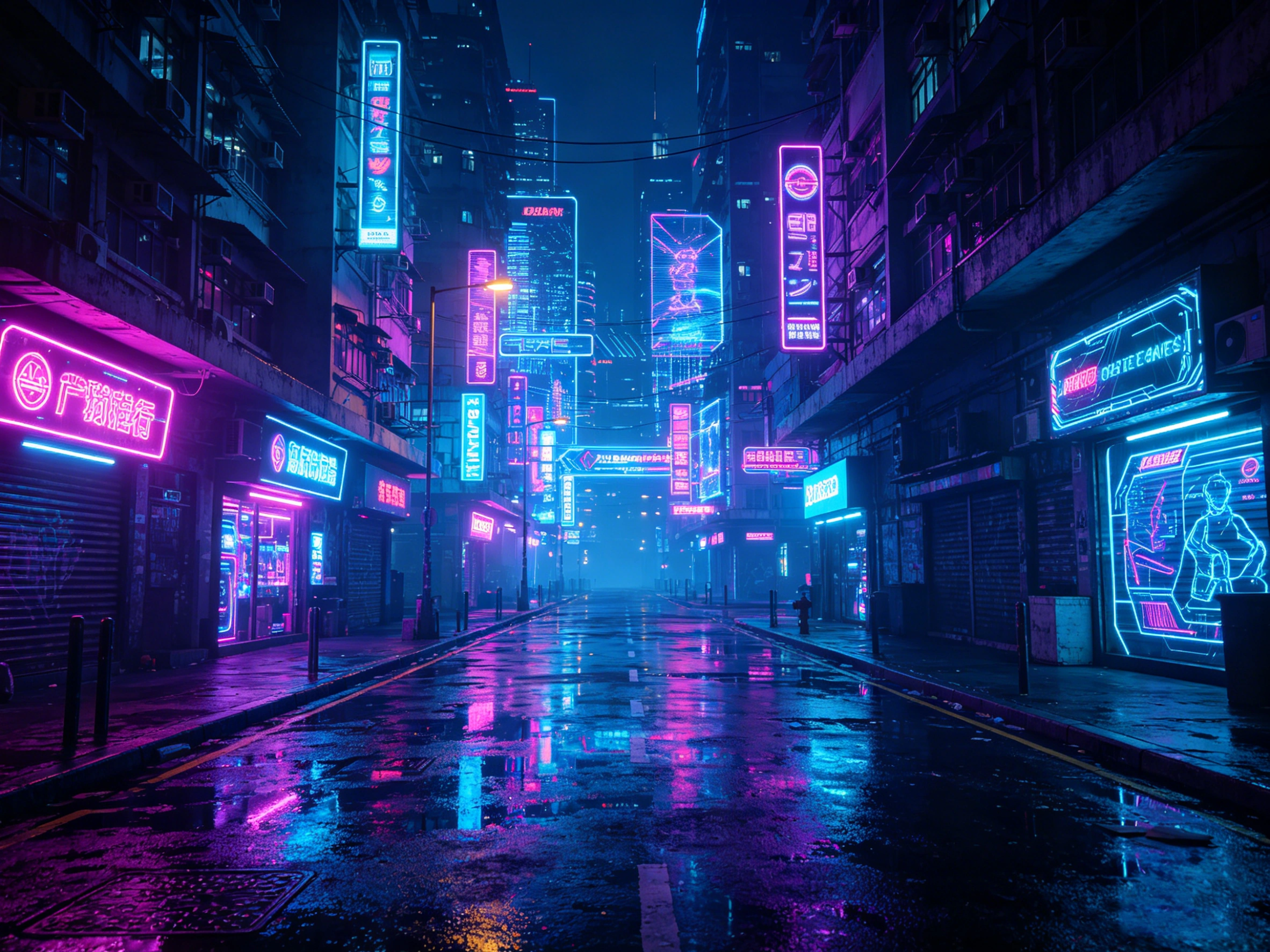
Place any character into any environment — a baseball stadium, a Tokyo alley at night, a beach at sunset. The AI matches perspective, scale, and lighting automatically.
- Automatic perspective and scale matching to the background
- Scene-aware lighting applied to your character naturally
- Natural movement integrated with the environment — no floating or ghosting
- Any background accepted — real photos, AI-generated scenes, artwork
 Character
 Background
make the person @Image 1 standing in the street @Image 2, danced with her hands on her hips and twisting her body.
Outfit Transfer
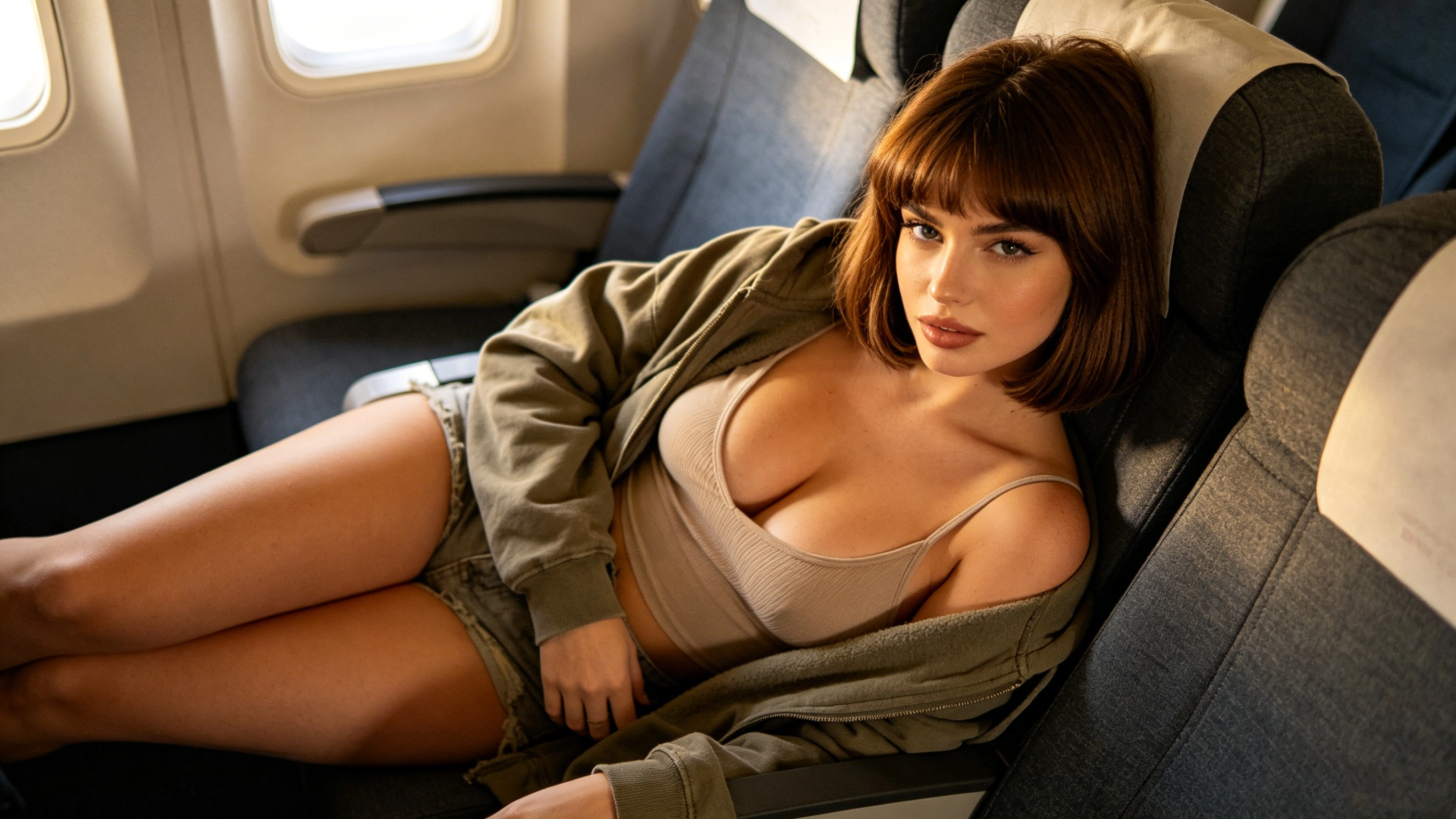
Change what your character wears without regenerating them from scratch. The AI preserves character identity while dressing them in the referenced outfit with realistic fabric physics.
- Realistic fabric draping, wrinkling, and movement physics
- Character face and body proportions preserved accurately
- Any outfit reference accepted — zero content restrictions
- Works with photos, fashion illustrations, or AI-generated designs
 Character
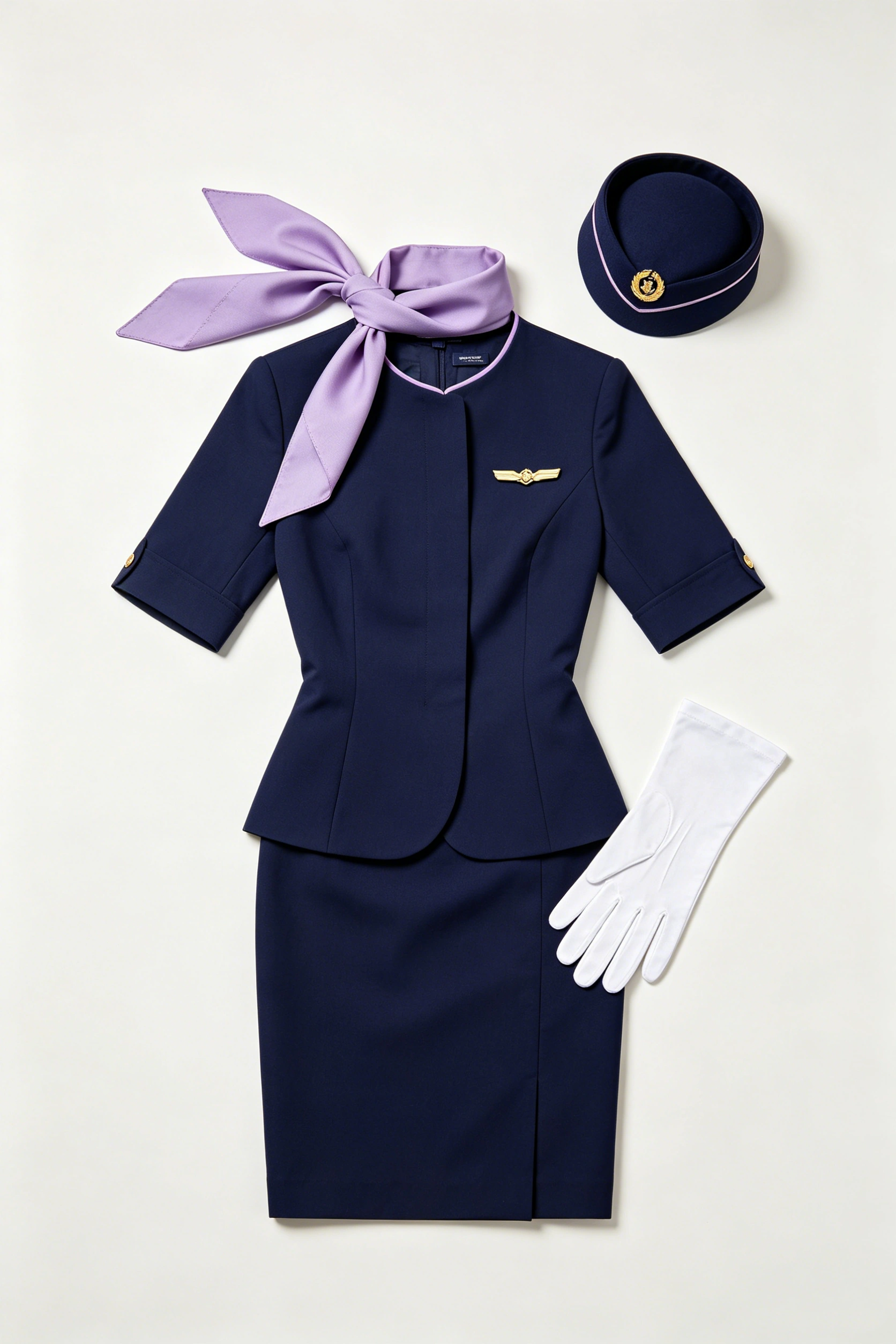 Outfit
replace the person's @Image 1 clothes with this stewardess uniform @Image 2, she made a heart shape with her hands.
Motion Transfer
Upload a character image and a reference video of any action. The AI extracts the motion skeleton and maps it onto your character — no ComfyUI, no CoTracker, no debugging.
- Skeleton-mapped motion from any reference video — no ComfyUI setup
- Character identity preserved through complex movements and angle changes
- Improved weight transfer and ground contact vs. standard AI dance generation
- Works with dance, fitness, performance, or any movement — no restrictions
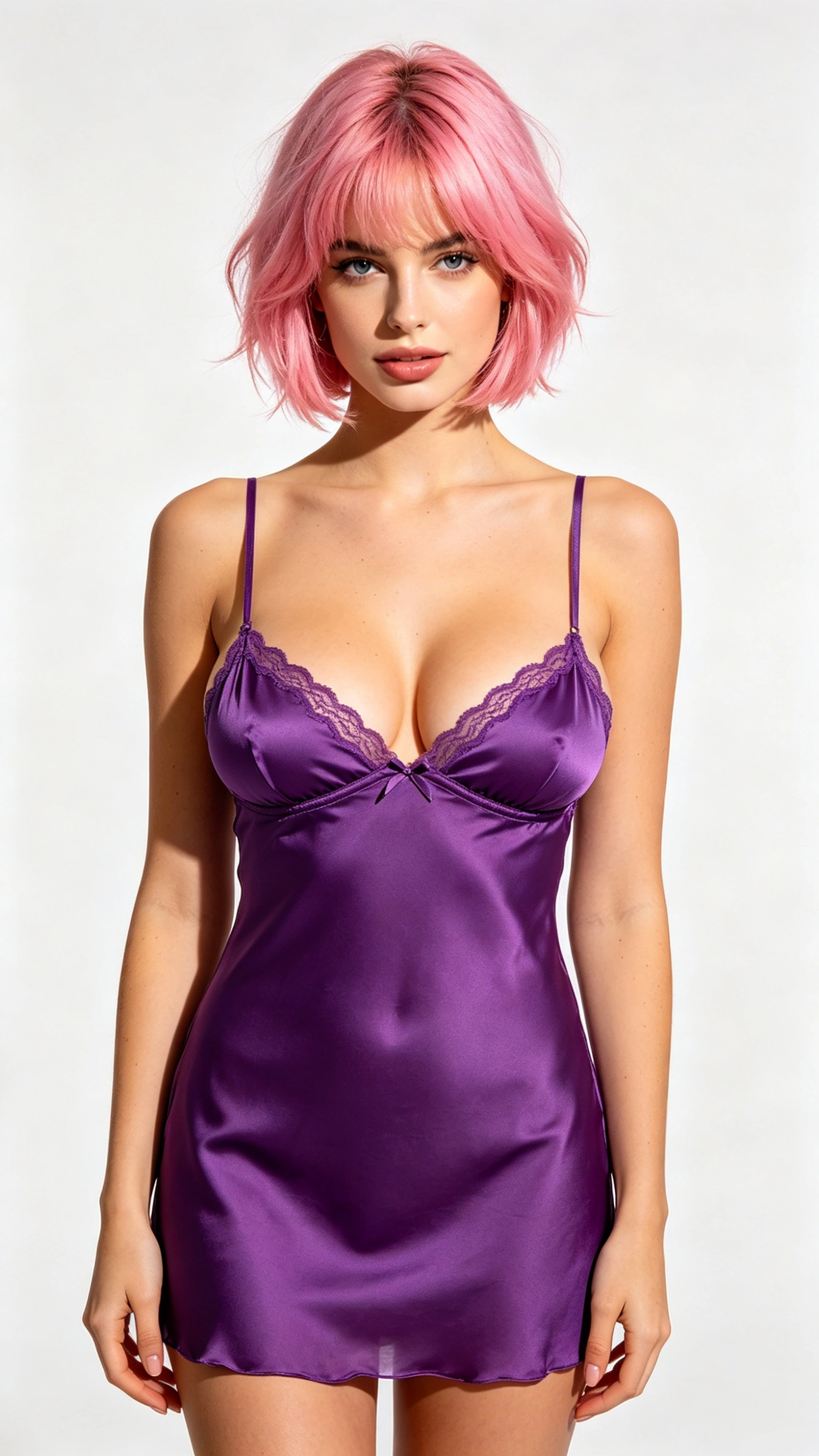 Character
replace the person @Image 1 with the person @Video 1, she made a heart shape with her hands.
How NSFW Reference to Video Works
The current workflow for consistent AI video: 5 tools, 4-5 days. Here's what it looks like with Our Model.
Upload Your References
Drop 2-7 reference images or videos into the uploader. The AI automatically extracts identity embeddings, scene context, clothing details, or motion skeletons. No manual tagging, no LoRA training.
Describe What Happens
Write a prompt describing the action, camera angle, lighting, and mood. Every prompt works. No words are blocked, no content is silently rejected.
Generate and Download
Hit Generate. Your video renders in under 30 seconds. Preview in-browser, then download in full 1080p HD at 60 FPS with no watermark. One tool, one step, one result.
Why Creators Switch to Our Model
No Surprise Rejections
On Kling, a dancing animal gets flagged as NSFW. On Higgsfield, you pay and still get blocked. On Our Model, every prompt you submit generates a video.
Dual-Character Identity Locking
The #1 pain point in AI video: two characters in one scene, both consistent. Our Model maintains separate identity embeddings for each character — both stay locked throughout.
One Tool, Not Five
Top creators use Gemini + Midjourney + Photoshop + Kling + DaVinci Resolve for one video. Our Model replaces that entire pipeline: upload, prompt, generate.
No Account Bans
Mainstream platforms permanently ban accounts for a single misinterpreted prompt. No warning, no appeal, credits gone. Our Model has no content-based ban policy.
Honest About AI Artifacts
We address known AI fingerprints: micro-movements, hand morphing, robotic camera motion, deep-focus. We deliver improvement without overclaiming perfection.
Free to Start, No Card Required
Free credits on signup — full access to dual-character generation, motion transfer, and 1080p HD output with no watermark.
NSFW Reference to Video: Our Model vs Competitors
We tested NSFW content generation, character consistency, and censorship behavior across all major platforms.
| Feature | Our Model | Kling AI | Seedance 2.0 | ZenCreator | Runway |
|---|---|---|---|---|---|
| NSFW R2V Support | Full Support | Blocked | Blocked | Full Support | Blocked |
| Max Reference Inputs | 7 | 7 | 9 | 2 | 1 |
| Character Consistency | 95.8% | 94% | 93% | Moderate | Good |
| Dual-Character Scenes | Built-in | Manual Workflow | Manual Workflow | Limited | Not Supported |
| Motion Transfer (NSFW) | Yes | SFW Only | SFW Only | No | No |
| Surprise Content Blocks | Never | Frequent | Frequent | Rare | Always |
| Max Resolution | 1080p | 1080p | 1080p | 1080p | 4K |
| Frame Rate | 60 FPS | 24 FPS | 24 FPS | 60 FPS | 24 FPS |
| Free Trial (No Card) | Yes | Limited | Limited | 30 Credits | Limited |
| Content Monitoring | None | Active | Active | Minimal | Active |
What Creators Say
Real feedback from creators who switched from multi-tool workflows to Our Model.
“I was spending 4-5 days on every music video — Midjourney for images, Photoshop for touch-ups, Kling for video, Resolve for editing. Our model's dual-reference system cut my workflow to hours, not days.”
Marcus T.
Music Video Creator
“Motion transfer without ComfyUI setup — that's what sold me. I used to spend hours debugging phantom ghosting and floating objects. Now I upload a character and a dance video, and it just works.”
Yuki S.
Digital Artist
“I cancelled my Higgsfield subscription after they flagged a fully clothed dance video as NSFW. On Our Model, I've never had a single prompt rejected. Scene placement is my daily tool.”
Elena R.
Content Creator
“Kling banned my account because a sci-fi character said "guns." I had a paid subscription. No warning, no appeal, credits gone. Switched to Our Model and never looked back.”
James W.
Independent Filmmaker
“Outfit transfer changed my content workflow. I upload my face reference and any costume image — the AI generates a video of me wearing that outfit with realistic fabric movement.”
Aria Chen
Cosplay Creator
“What impressed me most is the honesty about AI artifacts. Our Model actually addresses hand consistency, natural camera motion, proper depth of field. Noticeably better than raw Seedance output.”
David K.
AI Art Enthusiast
Frequently Asked Questions
Answers to the questions AI video creators actually ask.
Current workflows require you to upload the same reference images for every single clip, then discard most outputs that don't match, then manually stitch usable fragments together. Our Model processes your references once, extracts persistent identity embeddings, and maintains them throughout the entire video. One upload, one generation, consistent result.
Stop Fighting Content Filters. Start Creating.
Upload your character references, describe the scene, and generate consistent, uncensored AI video in seconds. One tool replaces the 5-tool workflow.
Create Your First R2V Video — FreeDisclaimer: This page may contain NSFW content and certain premium features may redirect to external partner sites for additional services.